10 Best Deputy Alternatives for Restaurants
Published on
By Tony Newcome — Founder of AnchOps · Owner, Pizza Harbour
This article was drafted with AI assistance and reviewed by Tony Newcome, a working restaurant operator.
It's 4:40 on a Friday and the schedule looks covered on paper. Then a server calls off, a cook's availability changed in a group text you missed, and tonight's labor forecast is based on last week's guess. You're finding coverage, fixing timecards, and calculating tips by hand while service is starting.
That's the moment most operators stop asking for a better calendar and start comparing Deputy alternatives by workflow. Deputy proved cloud scheduling could scale for hourly work, growing from its 2008 founding in Australia to a 2010 launch, but restaurants don't all need the same replacement. Some need tighter Toast POS syncing. Others need faster open-shift coverage, cleaner timekeeping, or predictable pricing that doesn't punish turnover.
Use that friction to choose. Judge each option on scheduling quality, coverage speed, timekeeping, POS integration, labor visibility, pricing model, implementation effort, and true restaurant fit. A broad HR suite can be overbuilt for a single dining room, while a basic scheduler can leave tips and labor control in spreadsheets. If you're also weighing broader restaurant scheduling platform options, start with the job that eats manager time every week and work outward from there. The ten Deputy alternatives below are ordered for restaurant operators, not generic deskless teams.
Table of Contents
- 1. AnchOps
- Coverage and Reliability in Practice
- 2. 7shifts
- Where It Fits Best
- 3. Sling by Toast
- The Toast Trade-Off
- 4. Homebase
- 5. When I Work
- The Integration Gap to Check
- 6. HotSchedules by Fourth
- Scale Versus Simplicity
- 7. Restaurant365 Workforce
- Buy the Platform, Not Just the Scheduler
- 8. Humanity by TCP
- 9. Connecteam
- Breadth Has a Price in Specificity
- 10. ZoomShift
- Know the Ceiling
- Top 10 Deputy Alternatives Comparison Matrix
- Make the Switch Without Disrupting Service
- A Migration Plan That Protects Coverage
1. AnchOps
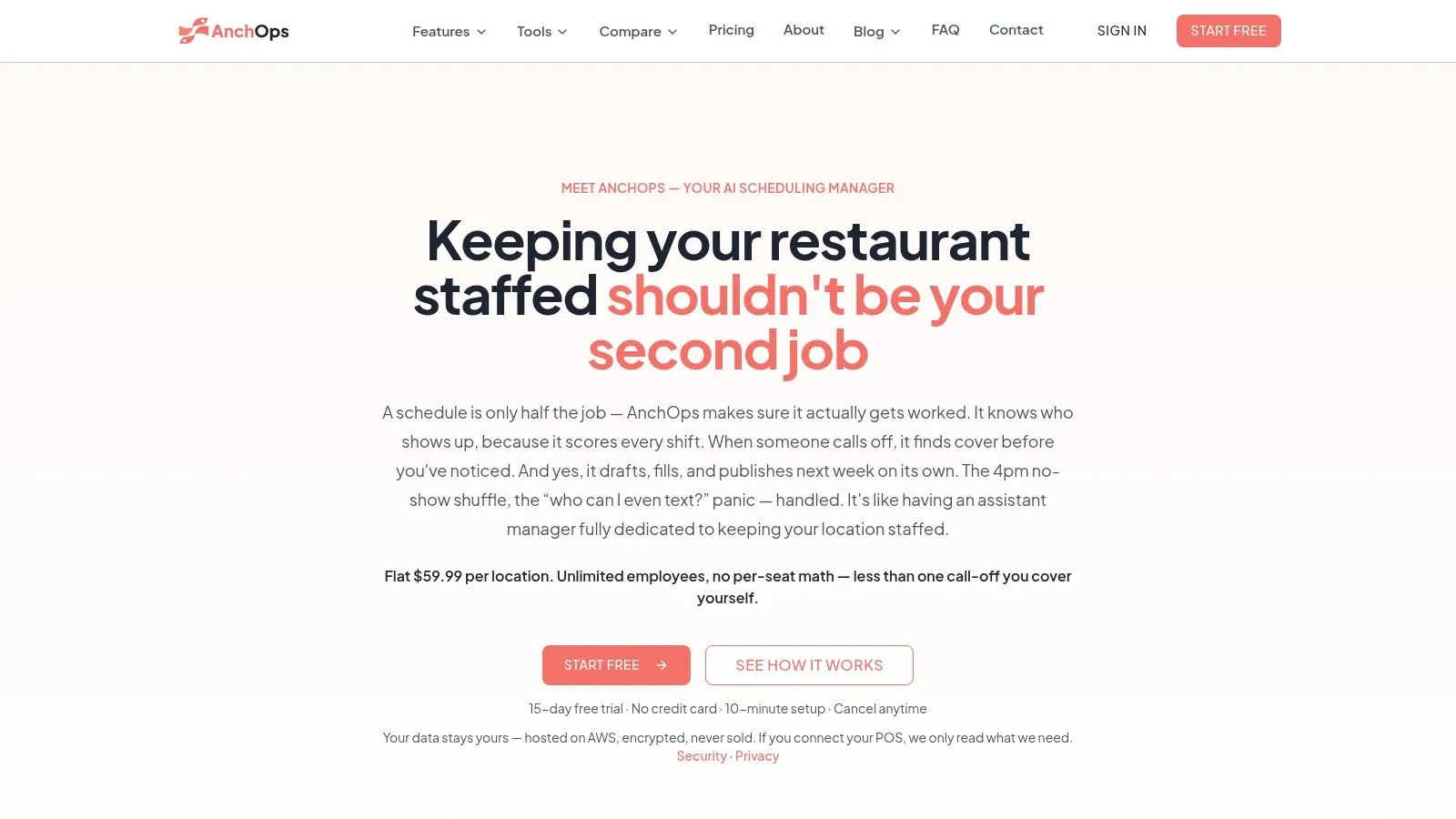
AnchOps is built around one connected sequence, draft the schedule, fill gaps, track time, watch labor, and settle tips. It drafts schedules from sales history and employee availability, then offers open shifts to qualified staff while prioritizing stronger recent reliability. Managers can approve a draft with one tap or allow autonomous publishing, which matters because trust in automation shouldn't be all or nothing.
Coverage and Reliability in Practice
Its Show-Up Scores track attendance patterns, and employees can see their own score in the mobile app. No-show detection and ranked cover offers target the right people instead of blasting a group text, and the first valid confirmation fills the slot. That design matches a process where managers spent an average of 47 minutes finding coverage manually compared with about 11 minutes for automated backfill, though your own times will vary by team and response habits.
- Adjustable autonomy: Keep draft approval on while you learn the system, then loosen controls location by location.
- Toast tip automation: Toast users get automatic tip pools, tip-outs, delivery, and cash-declaration calculations from sales data.
- Labor visibility: Use labor projections before publishing and mid-shift budget alerts when actuals drift.
- Timekeeping included: Built-in time clock, POS-synced timecards, batch approval, and payroll exports reduce end-of-week cleanup.
Pricing is a flat $59.99 per location with unlimited employees and no feature tiers, plus a 15-day free trial with no credit card and a free plan. AnchOps reports 84% fewer no-shows at Pizza Harbour over six weeks after employees could see their Show-Up Scores, and zero no-shows across 99 scheduled shifts in September 2026. Treat that as a promising single-restaurant result, not proof for every concept. The App Store rating is 5.0 from 3 ratings, so independent evidence is still thin, and non-Toast restaurants won't get the deepest POS and tip benefits. If you're on Toast and coverage is your weekly fire, it's the most purpose-built option here.
2. 7shifts
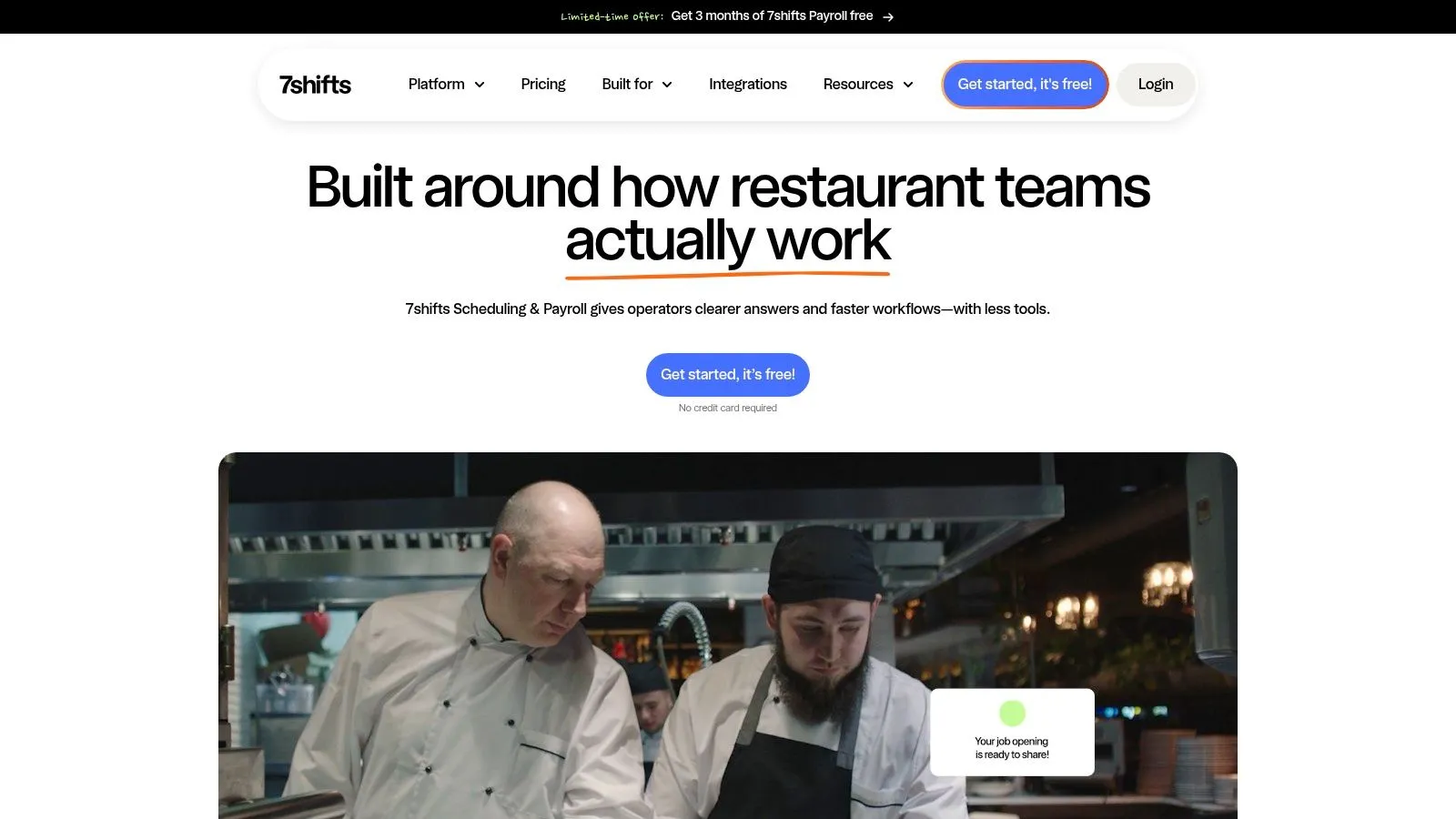
7shifts is the established restaurant-first choice if you want scheduling tied closely to sales, labor rules, and tips. It's designed for restaurant roles and dayparts rather than adapted from retail or field service. For multi-unit operators who think in stores and departments, that familiarity lowers training friction.
Its strength is the combination of sales- and labor-aware scheduling, POS integrations including Toast, time clocking, overtime and break rules, and built-in tip pooling. Optional payroll and on-demand pay can consolidate vendors, but they'll also change your total cost, so price the full stack before you commit. Higher-tier pricing may require a sales conversation, which makes simple comparison shopping harder.
Where It Fits Best
Pick 7shifts when labor compliance and restaurant-specific forecasting matter more than having the flattest subscription. Per-location billing can suit growing groups, and documented Toast integration helps managers connect scheduled hours to actual sales. It's less compelling if you need a broad HCM system, since recruiting, benefits, and deeper HR work may still live elsewhere.
Practical rule: Test 7shifts with one real week of sales, breaks, and tip rules, not demo data, because compliance settings are where setup time hides.
Operators comparing it with wider restaurant management software platforms should separate must-have scheduling controls from add-ons they'll rarely open. 7shifts is a strong Deputy alternative for restaurants that want a mature, specialized platform and are comfortable paying for tiers and extras as needs expand.
3. Sling by Toast
If you're already living in Toast, Sling by Toast, also available as Toast Scheduling, is the low-friction route. It connects staff data and timekeeping with Toast, so you're not maintaining two employee lists. The appeal is simplicity first, depth second.
A free plan covers up to 30 users, which is enough for many independents to replace a whiteboard or spreadsheet without a budget fight. Premium and Business tiers add time tracking, labor-cost tools, kiosks, and reporting. Mobile apps handle shift offers and swaps, announcements, and messaging, so routine communication moves out of personal text threads.
The Toast Trade-Off
The documented setup path is a real advantage for Toast locations. Staff-data syncing reduces duplicate entry, and managers who already check Toast during service have one less system to learn. Among broader systems for managing work, Sling keeps the operating footprint small.
That convenience has boundaries. Some advanced features available in Sling on the web aren't available inside Toast's Scheduling interface, so confirm where your managers will do the work. Non-Toast operators should verify POS options carefully before assuming the same sync exists. Sling won't give you the deepest forecasting or tip automation on this list, but for a Toast restaurant that mainly needs clean scheduling and team messaging at low cost, it's an easy Deputy alternative to trial.
4. Homebase
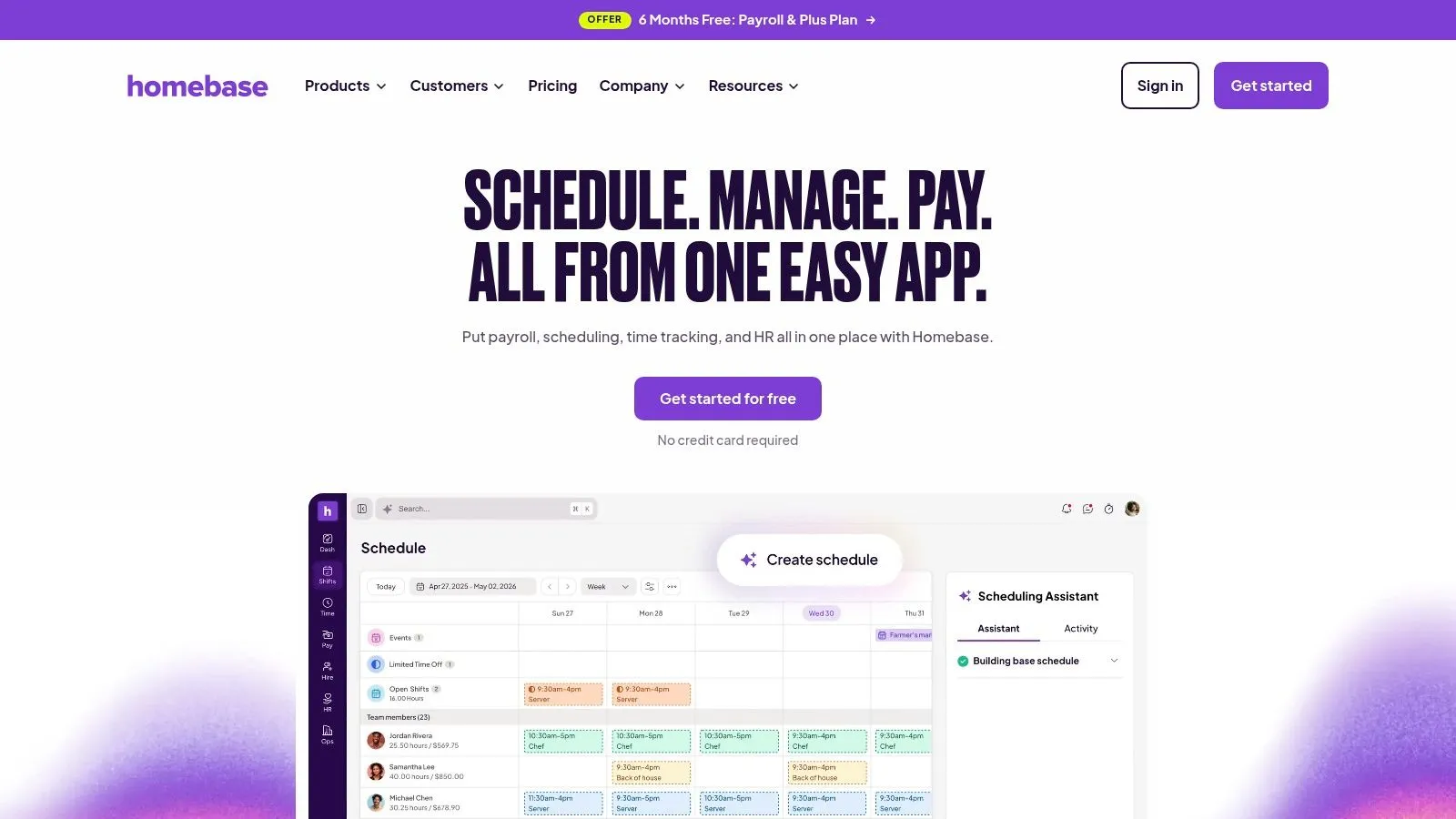
Homebase suits smaller operators who want scheduling plus the surrounding people admin in one place. Beyond time clocks and messaging, it adds hiring and onboarding, HR and compliance support, and optional payroll. That's useful when the GM is also the recruiter and payroll approver.
The free plan covers one location and up to 10 employees, and paid pricing is transparent per location. POS integrations include Toast, and payroll integrations give you options if you don't want Homebase payroll. Higher tiers add an AI-powered scheduling assistant, while tip management, tasks, background checks, and payroll can be added as needed.
- Best reason to choose it: You want scheduling, hiring, and basic HR without buying three tools.
- Main caution: Some users report quirks with Toast timecard syncing, so reconcile a full pay period during your trial.
- Cost watch: Advanced controls sit on higher tiers or add-ons, and payroll costs extra.
Homebase makes sense as a Deputy alternative when your problem is broader than the roster. If you only need sales-aware scheduling and fast coverage, parts of it may feel like extra surface area. But for a small restaurant professionalizing hiring, onboarding, and timekeeping at once, the bundled approach is practical and easy to justify.
5. When I Work
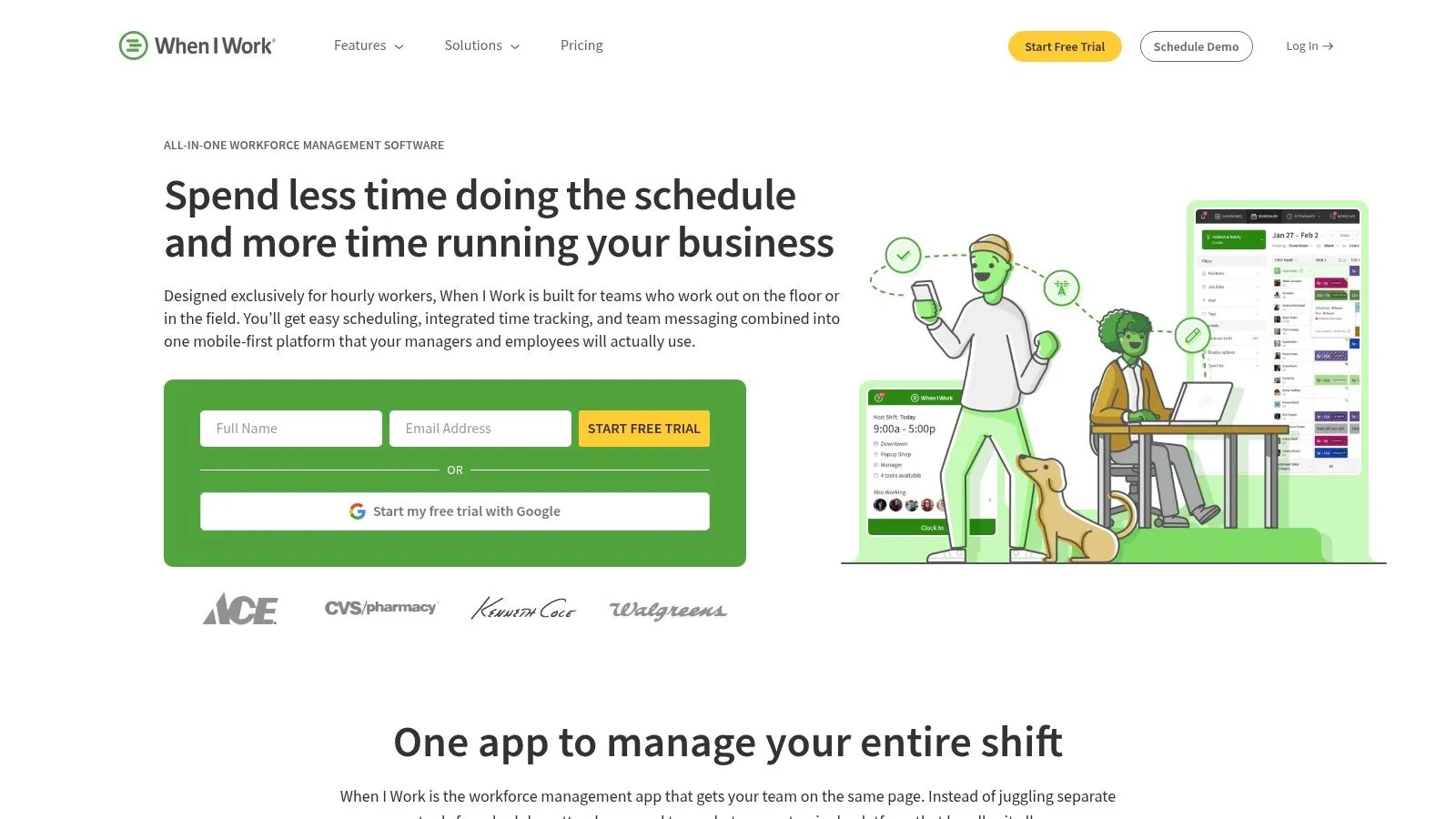
When I Work is the generalist that many shift-based teams adopt because it doesn't require heavy setup. Restaurants, retail, and healthcare teams use it for scheduling, attendance, messaging, and multi-location work. If your managers resist complex software, that broad usability is its selling point.
Core tools include automated scheduling, labor forecasting, time and attendance with compliance features, and team messaging. Multi-location workflows help operators who move staff between nearby sites, and published per-user pricing with a trial makes budgeting straightforward at first. Per-user costs need attention in high-turnover restaurants, though, because seasonal hiring can change the bill.
The Integration Gap to Check
No native Toast POS integration is published. That doesn't disqualify it, but it means POS-linked forecasting may depend on manual sales entry or workarounds, and payroll or partner services can involve separate costs or contracts. Ask exactly how sales data, timecards, and tips will move before you migrate.
Choose When I Work if you want a clean, broadly applicable scheduler and your POS connection is nice to have rather than essential. Skip it if Toast-driven labor percentages and tip calculations are central to leaving Deputy. It's a dependable middle path, not a restaurant operating system.
6. HotSchedules by Fourth
HotSchedules by Fourth is built for restaurant operations at scale. Larger groups choose it for demand forecasting, schedule optimization, compliance, time and attendance, tasking, tipping, and earned wage access. This is enterprise workforce management, with the controls and implementation weight that implies.
Its Toast POS integration supports labor-cost and attendance syncing, which can reduce custom integration work across many locations. Manager logbooks, tasking, labor controls, and reporting give area managers visibility they won't get from a lightweight app. When labor is 30% to 35% of total operating costs and overstaffing slow shifts can waste 3% to 8% of a weekly labor budget, that level of forecast and variance control can justify a bigger rollout.
Scale Versus Simplicity
Pricing is quote-based, and implementation plus change management will be heavier than with SMB tools. You'll need consistent job codes, rules, and permissions across locations to get value from the reporting. A single-site independent may pay in time and complexity for capabilities it never uses.
Don't buy enterprise controls until you've named the manager who will own rules, permissions, and location exceptions after launch.
HotSchedules is the right Deputy alternative for multi-unit operators who need consistent compliance and standardized labor management. It's usually the wrong first step for a small team still trying to publish two weeks out consistently.
7. Restaurant365 Workforce
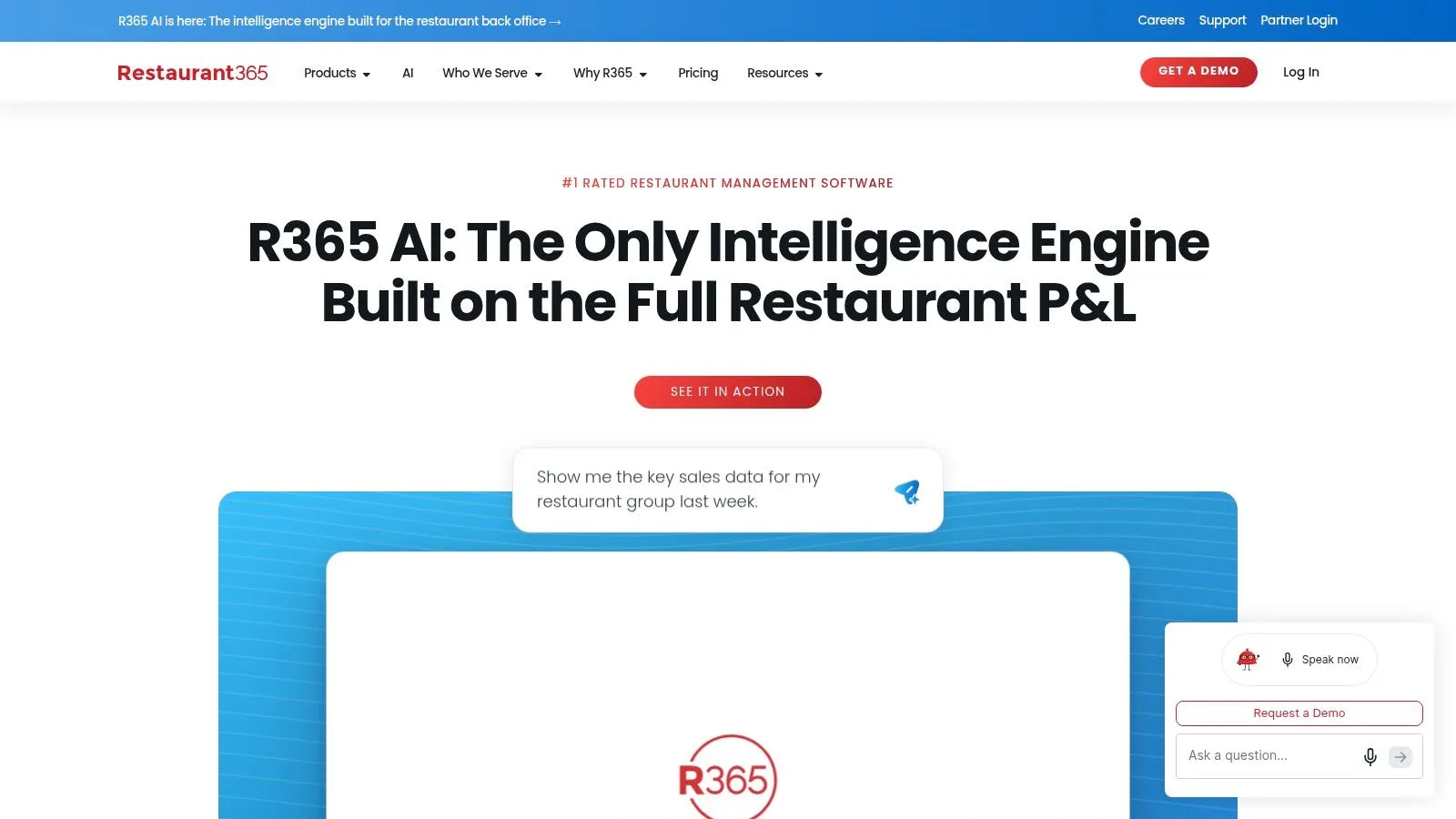
Restaurant365 Workforce makes most sense when scheduling is part of a larger back-office decision. The platform connects workforce tools with accounting and inventory, so labor planning sits beside sales forecasts and financial operations. For restaurant groups tired of reconciling systems after period close, that shared data is the draw.
Workforce features include data-driven labor forecasting, schedule building, time and attendance, overtime and compliance alerts, logbook, team chat, training, tips, and payroll and HR. It integrates with Toast POS, which helps tie staffing decisions to sales performance. Finance and operations can finally argue from the same numbers instead of exporting competing spreadsheets.
Buy the Platform, Not Just the Scheduler
Pricing is sales-led and implementation can be involved. You'll get the best value when you adopt multiple Restaurant365 modules, because integration across accounting, inventory, and workforce is the point. Buying it only to publish weekly rosters is usually expensive overkill.
Pick Restaurant365 if you're a growing group ready to standardize the back office and treat labor as part of cost control across the P&L. Pick something lighter if your immediate pain is call-offs on Friday night. As Deputy alternatives go, this is the broadest operational commitment on the list, and potentially the most rewarding for groups prepared to implement it properly.
8. Humanity by TCP
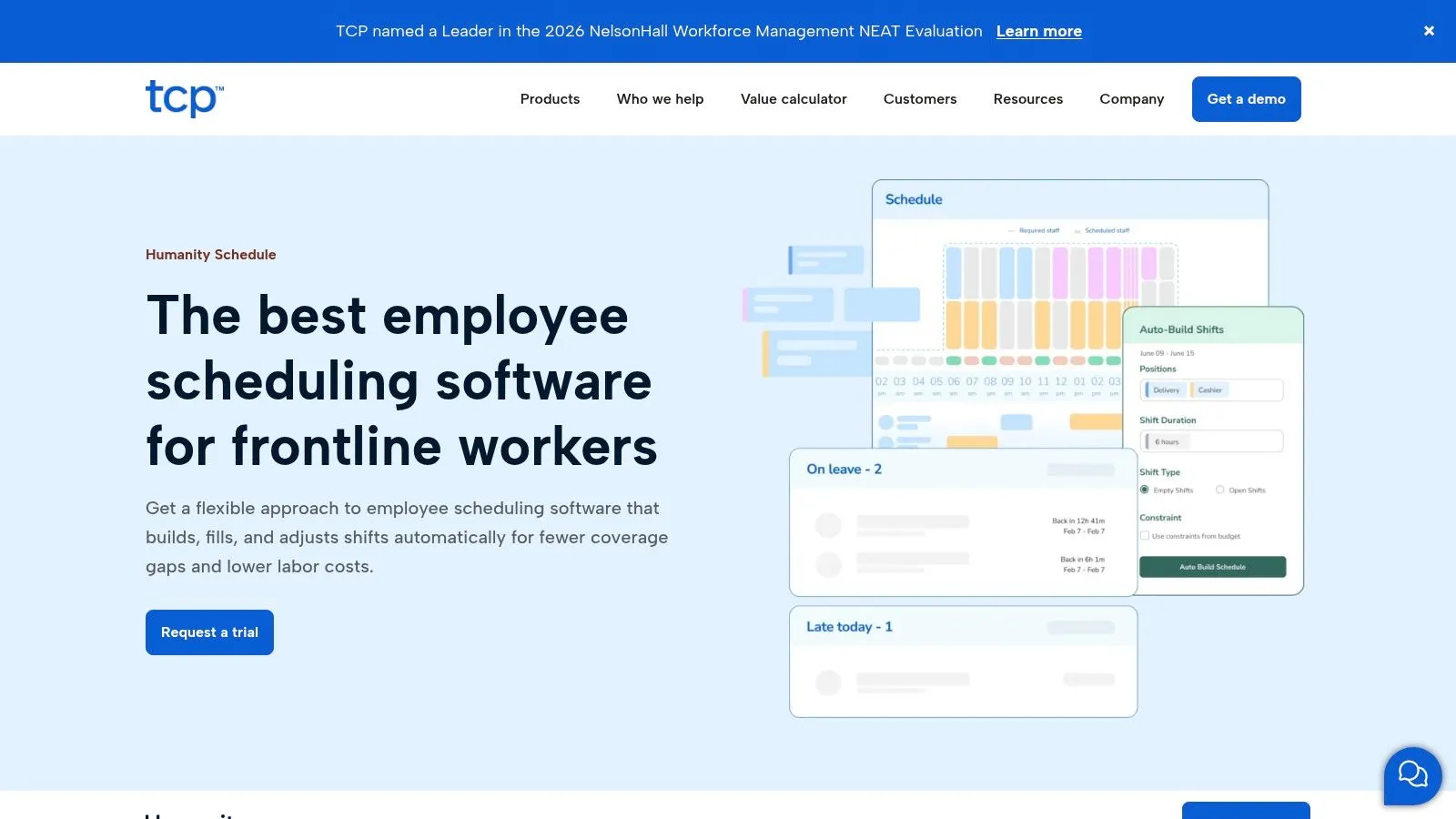
Humanity by TCP comes from TCP Software and serves hospitality alongside other shift-based industries. It combines demand-based scheduling, labor budgeting, and compliance for teams whose staffing patterns change often. Self-serve plans sit alongside enterprise options, so you can start without a long procurement cycle.
Managers get drag-and-drop scheduling, shift swaps, mobile apps, and geofenced clocking. Auto-fill scheduling can account for skills and certifications, which helps when a shift needs a trained opener, a certified food handler, or a manager on duty. Labor budgeting, compliance rules, and advanced reporting give multi-department operators more control than a basic calendar.
- Pricing clarity: Published plans use transparent per-employee pricing.
- Trial depth: A 30-day full-feature trial lets you test real rules, not a stripped demo.
- Add-on watch: API access and Optimizer are add-ons, so confirm the final build.
Humanity isn't restaurant-specific, and POS labor integrations may require middleware. That matters if Toast sales and tips drive your decisions. It's a credible Deputy alternative for hospitality teams that care most about compliance, forecasting, and credential-aware staffing, and are willing to verify the POS connection carefully.
9. Connecteam
Connecteam is a modular operations hub for deskless teams, not a restaurant product with a generic skin. Scheduling sits beside communications, forms, tasks, training, and HR workflows. That breadth appeals to small multi-site operators who want one employee app for almost everything.
Job scheduling includes auto-assign, multiple schedules, and geofencing. The GPS time clock, timesheets, payroll integrations, and kiosk mode cover attendance, while chat, updates, surveys, documents, time-off management, and training courses handle daily communication. Published flat pricing for the first 30 users per hub, with scalable add-user rates, can be predictable for small teams.
Breadth Has a Price in Specificity
Because Connecteam serves many industries, restaurant-specific workflows need proof during evaluation. Confirm POS integrations, tip handling, and labor reporting with your actual setup before you assume they'll match a hospitality tool. Advanced automation and API access are limited to higher tiers, so the hub you price on day one may not be the hub you need later.
Choose Connecteam when checklists, training, forms, and internal communication are as painful as scheduling. If your core problems are Toast labor percentages, tip pools, and rapid server coverage, a restaurant-focused Deputy alternative will usually fit with less configuration.
10. ZoomShift
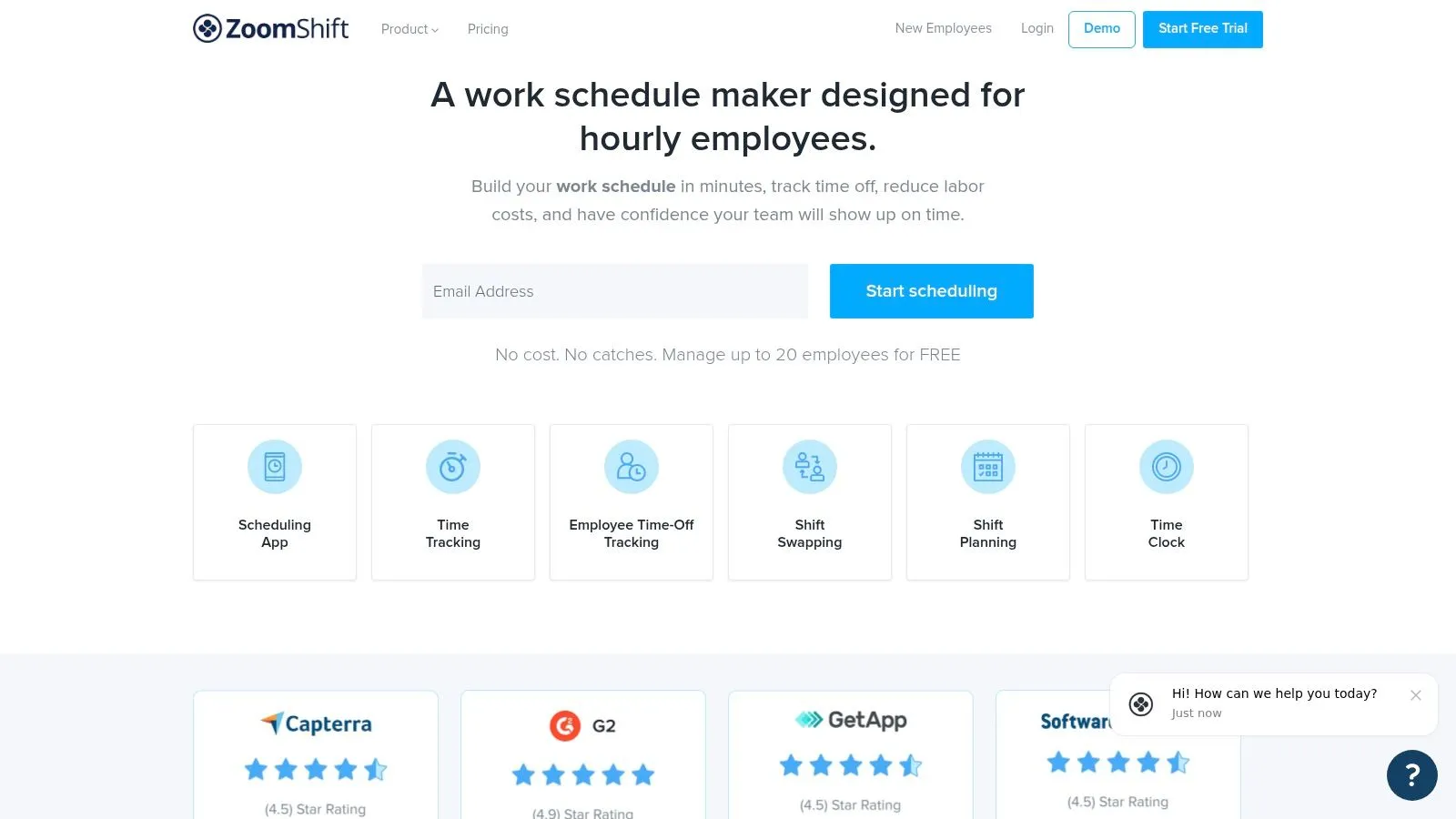
ZoomShift is the lightweight option for cafés, small restaurants, and single-location operators leaving spreadsheets. It focuses on core scheduling and time tracking without enterprise ceremony. For a small crew, that restraint is a feature.
You get shift templates, open shifts, swaps and covers, and notifications by push, SMS, and email. Mobile apps, basic overtime tracking, and payroll export cover the weekly essentials. Month-to-month flexibility helps seasonal businesses, and the account can be paused and reactivated when trade slows.
That simplicity fits a real gap, since more than 47% of smaller U.S. restaurant operators still used paper schedules and 57% relied on group texts in 2025. Moving from paper to confirmed mobile shifts is already a meaningful operational upgrade. You don't need forecasting sophistication if managers still don't know who accepted Saturday's shift.
Know the Ceiling
No native Toast POS integration is published, and multi-unit analytics and complex compliance are limited compared with larger suites. That's fine until you add locations or need sales-driven labor targets. ZoomShift is a sensible Deputy alternative when you want the basics done cleanly and cheaply in effort, even if you'll outgrow it later.
Top 10 Deputy Alternatives Comparison Matrix
| Platform | Core capabilities | Standout value | Best for | Pricing & value |
|---|---|---|---|---|
| 🏆 AnchOps (Recommended) | AI schedule drafts, shift coverage, reliability scores, timecards, labor alerts; Toast tip automation | ✨ Adjustable autonomy; reliable-staff prioritization; mobile apps | 👥 Restaurants, especially Toast users, and shift-based teams | 💰 $59.99/location; unlimited employees and features; free plan and 15-day trial advertised |
| 7shifts | Restaurant scheduling, time tracking, compliance, tips, optional payroll | ✨ Restaurant-focused workflows and Toast integration | 👥 Restaurant teams and multi-location operators | 💰 Per-location billing; higher tiers may require a sales inquiry; add-ons vary |
| Sling by Toast | Scheduling, messaging, shift swaps; paid tiers add time tracking and labor tools | ✨ Free scheduling for up to 30 users; Toast staff-data syncing | 👥 Small teams, particularly Toast users | 💰 Free plan; paid tiers available |
| Homebase | Scheduling, time clocks, messaging, HR, hiring, optional payroll | ✨ Broad SMB workforce tools and free plan | 👥 Small businesses needing more than scheduling | 💰 Free for one location and up to 10 employees; advanced features and payroll may cost extra |
| When I Work | Scheduling, attendance, forecasting, messaging, multi-location workflows | ✨ Broad industry coverage and published per-user pricing | 👥 Shift-based teams across restaurants, retail, and healthcare | 💰 Per-user pricing; trial available |
| HotSchedules by Fourth | Restaurant scheduling, forecasting, compliance, time and attendance, tipping | ✨ Enterprise-oriented reporting and Toast integration | 👥 Larger and multi-unit restaurant operators | 💰 Quote-based; implementation may be more involved |
| Restaurant365 Workforce | Scheduling, labor forecasting, time tracking, tips, payroll/HR, accounting | ✨ Connects workforce operations with restaurant back-office tools | 👥 Restaurant groups adopting broader operations software | 💰 Sales-led; value may be strongest with multiple modules |
| Humanity by TCP | Scheduling, auto-fill, geofenced clocking, labor budgeting, compliance | ✨ Demand-based scheduling and skills support | 👥 Hospitality and other shift-based teams | 💰 Published per-employee plans; 30-day trial; advanced features may cost extra |
| Connecteam | Scheduling, GPS time clock, communications, tasks, training, HR | ✨ Broad deskless-team operations hub | 👥 Small multi-site deskless teams | 💰 Published pricing for the first 30 users per hub; add-user rates apply |
| ZoomShift | Scheduling, open shifts, swaps, notifications, time tracking, payroll export | ✨ Simple workflows and seasonal pause/reactivation | 👥 Small teams and single-location operators | 💰 Month-to-month; pricing not specified here |
Make the Switch Without Disrupting Service
The best choice depends on the operating problem you need to remove. Choose a restaurant-specific suite such as 7shifts, HotSchedules, or Restaurant365 when compliance, multi-unit reporting, or back-office integration drives the decision. Choose a Toast-aligned tool such as Sling when staff sync and simple scheduling inside your existing POS matter most. Choose a lightweight app such as ZoomShift when a small team needs confirmed shifts without a long implementation.
Choose AnchOps when scheduling, coverage, timekeeping, labor visibility, and Toast-based tip calculations need to work as one controllable system. That's a different promise from a general workforce suite. It assumes your hardest moments are demand changing after publication, a call-off before service, and tips waiting to be calculated after close. If those aren't your bottlenecks, a broader or simpler product may serve you better.
Don't judge automation by how autonomous the demo looks. Ask who can see the reason for an assignment, how an employee disputes a late mark, and whether managers can override the system without breaking the audit trail. Recent academic work on legal and governance challenges created by software-driven workplace scheduling is a useful reminder that scheduling software makes employment decisions, not just calendar entries. Adjustable autonomy, visible reliability records, rolling data windows, and correction workflows protect trust while still saving manager time.
A Migration Plan That Protects Coverage
Start by exporting roles, availability, pay rates where needed, and historical hours from Deputy before you touch settings in the new system. Map payroll and POS connections on paper, including job codes, departments, tip rules, and approval owners. Then test permissions with real manager and employee accounts, because a server seeing the wrong location schedule creates confusion fast.
- Run a parallel schedule: Build one full week in both systems and compare hours, overtime flags, and labor totals before employees rely on the new app.
- Publish earlier during transition: Give staff extra notice and one clear place to confirm shifts, especially since 60% of service-sector workers receive less than two weeks' notice of their schedules.
- Train by role: Show managers coverage escalation and timecard approval, and show employees availability, swaps, and dispute steps.
- Define a rollback date: Decide in advance what failure would send you back to Deputy for one more cycle, and keep exports until payroll closes cleanly.
Measure the first month with operator metrics, not feature counts. Track mobile activation, time from schedule draft to publication, open shifts filled without manager intervention, timecard corrections, and variance between projected and actual labor. Those numbers tell you whether the switch removed work or merely moved it. Deputy itself reached enormous operational scale, with roughly 200 million shifts scheduled and about 1.2 billion hours represented by 2018, so leaving it shouldn't mean lowering your standard for reliability. It should mean choosing a system whose strengths match your restaurant's next stage, whether that's Toast-connected tips, enterprise compliance, or a calmer Friday afternoon.
If call-offs, manual tip math, and labor surprises are the reasons you're comparing Deputy alternatives, AnchOps brings schedule drafting, targeted coverage, timekeeping, labor alerts, and Toast-based tip calculations into one flat-priced system you can test before committing. Visit AnchOps to start the trial, run one real schedule in parallel, and judge it by confirmed shifts and clean timecards, not by a demo.
Your back-of-house partner is ready
AnchOps handles scheduling, tip calculations, labor costs, and timecards — so you can focus on your restaurant, not your paperwork.