Setup and Configuration for AnchOps Made Simple
Published on
By Tony Newcome — Founder of AnchOps · Owner, Pizza Harbour
This article was drafted with AI assistance and reviewed by Tony Newcome, a working restaurant operator.
AnchOps setup runs in four steps: create your account and connect Toast POS, build schedule templates with availability and overtime rules, configure tip pools, mid-shift alerts, and payroll exports, then test-publish before going live. Treat it as a change-management rollout, not a feature tour — accurate employee records and reliable POS history come before automation helps.
That's why setup and configuration should be treated as a change-management rollout, not a tour of features. A live restaurant needs accurate employee records, reliable POS history, clear rules, and a controlled publishing process before automation can help. The safest launch creates a reusable operating template, validates it against real service conditions, and expands only after managers trust the results.
Table of Contents
- Why AnchOps Setup Feels Different From Other Tools
- The rollout order that keeps service intact
- Create Your Account and Connect Toast POS
- Validate the foundation before building rules
- Invite staff with the right permissions
- Build Schedule Templates Availability and Overtime Rules
- Build a starting point, not a rigid roster
- Configure availability and labor controls together
- Configure Tip Pools Mid Shift Alerts and Payroll Exports
- Make the calculation traceable
- Use alerts to correct the shift while it is still running
- Test Publish and Manage Daily Coverage With Confidence
- Publish narrowly before increasing autonomy
- Design the coverage workflow before the emergency
- Troubleshooting Checklist and Launch Tips That Prevent Errors
- Run these checks before full cutover
- Start smaller than feels necessary
Why Does AnchOps Setup Feel Different From Other Tools?
A restaurant can lose service quality before the first schedule is published. A copied roster may contain an old availability request, a role that no longer matches the employee, or coverage built around sales patterns that have changed. AnchOps setup works better when managers treat those errors as rollout risks, not minor configuration details.
Traditional scheduling starts with reconstruction. A manager copies last week's spreadsheet, edits names, checks availability, and fills open shifts. AnchOps can create schedule drafts from sales history and employee availability, giving the manager a working starting point instead of an empty grid. The manager still reviews demand, approves exceptions, and decides whether the draft is ready to publish.
Practical rule: Configure the repeatable pattern once, then review exceptions each week instead of rebuilding the schedule.
The setup workload is broader than opening screens and selecting preferences. Enterprise software implementations have historically taken months rather than days. In a large 2026 corpus of 299 published ERP case studies, the median implementation duration was 6 months, with the middle half completing between 3 and 9 months. 46% finished in under six months, while 11% lasted more than a year, according to ERP implementation statistics. AnchOps is narrower than an ERP rollout, but the operating lesson still applies. Permissions, data mapping, workflow decisions, validation, and staff training determine whether the system holds up during service.
Manual scheduling is also a recurring labor task. Industry scheduling guidance puts spreadsheet scheduling at about 3.14 hours per week, compared with 2.64 hours weekly across scheduling methods. The useful gain comes from reducing repeated planning and late coverage scrambles, not from moving faster through setup screens. Those figures are cited in restaurant scheduling statistics.
The rollout order that keeps service intact
Use a controlled sequence:
- Create the account and establish clean source data.
- Connect Toast POS, import employees, and validate sales history.
- Define positions, availability, templates, labor targets, and overtime alerts.
- Configure tip pools, mid-shift notifications, timecards, and payroll exports.
- Run a parallel week, test a narrow schedule, and publish only after review.
A parallel run gives managers a direct comparison with the current roster. Validate employee records and POS history first, then publish only one operating area or service period. Watch for incorrect roles, missing availability, unusual labor totals, and alerts that arrive too late. Expand after the team can explain the results and correct an exception without interrupting service.
The same rollout discipline helps with customer-facing changes. Operators planning digital menus can use this LinkShip QR menu guide while testing the customer experience before wider release. Establish the operating standard first, then train staff against it.
Create Your Account and Connect Toast POS
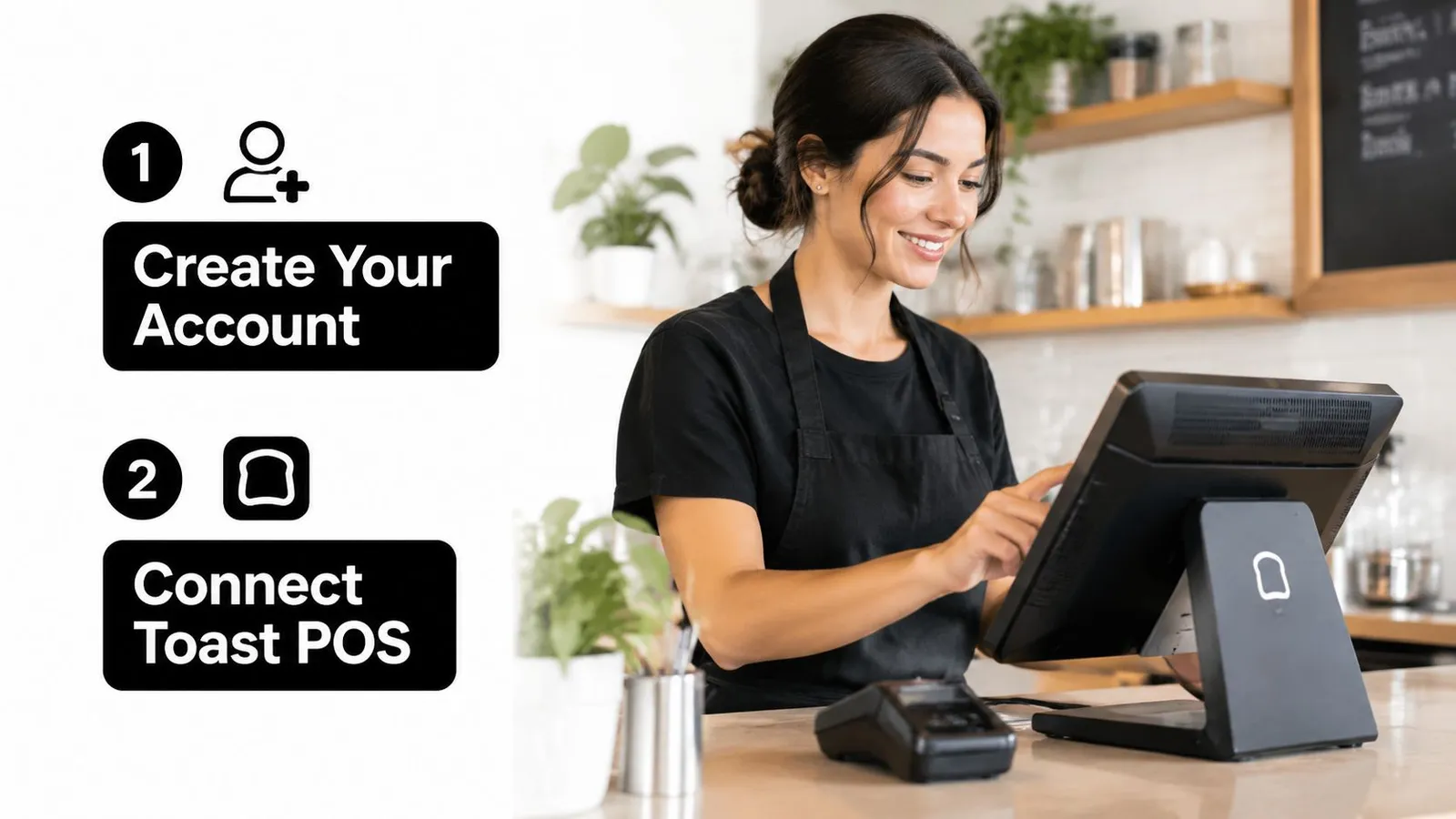
Start with the account owner and location structure, not the schedule. Create the AnchOps account using an operator or administrator who can make decisions about roles, labor rules, payroll approval, and publishing autonomy. Add each location separately if the business operates more than one site. A multi-location setup becomes difficult to audit when employees, positions, and labor targets are mixed together from the beginning.
Connect Toast POS with the narrowest practical permissions. Read-only scopes are preferable for the initial connection because the system can use source data for employee, time, sales, and tip workflows without giving the scheduling platform unnecessary control over the POS. After the connection succeeds, don't assume the sync is correct. Validate it.
Validate the foundation before building rules
Work through the connection in this order:
- Employees: Confirm that every active employee appears once, with the correct name and employment status.
- Roles: Check that a server, bartender, cook, host, and manager aren't mapped to the wrong scheduling position.
- Locations: Verify that each employee belongs to the correct restaurant and can only be scheduled where appropriate.
- Availability: Compare imported availability with what employees currently communicate to managers.
- Sales history: Confirm that the imported Toast history covers the operating periods needed for forecasting and that unusual gaps are understood.
- Time entries: Review whether time records line up with the employees and locations that will be used for payroll staging.
This validation prevents a common failure pattern: managers build a beautiful template on bad source data. A wrong role affects coverage. A wrong location affects assignment. Missing sales history affects the draft. Fixing those records first is much faster than debugging every schedule afterward.
For operators comparing platforms or documenting a Toast-specific rollout, the AnchOps guide to Toast scheduling is a useful reference point. Keep the first employee sync deliberately small if possible, then expand after the mapping looks right.
Invite staff with the right permissions
Invite employees to the native iOS and Android apps after their profiles and locations are verified. Staff should be able to view schedules, submit availability, request time off, track shifts, and review tip information that applies to them. Managers need additional access for approvals, exception handling, and coverage decisions, but they shouldn't automatically receive unrestricted administrative control.
Run a quick sanity check with a manager and an employee account. The manager should see the correct location and team. The employee should see the correct role, availability options, and schedule visibility. This small test catches permission mistakes before the first live schedule, when correcting them can create confusion across the whole team.
Build Schedule Templates Availability and Overtime Rules
A schedule template should reflect how the restaurant runs on a normal week, while leaving room for demand and staffing changes. Start with the positions required for each day and service period. Weekday lunch may need a different mix from weekend dinner, and closing may require a keyholder even when the headcount appears sufficient.
Build each template around coverage logic. Set the positions, expected start and end windows, and conditions that prompt a manager to add or remove coverage. Let the forecast shape the draft. Sales history supplies the demand signal, while employee availability determines which qualified people can work the plan.
Build a starting point, not a rigid roster
A useful template answers practical questions:
- Which roles must be present for opening?
- Which positions can be added as projected demand rises?
- Who is qualified for each position?
- Which shifts require a closer or keyholder?
- Which employees can work at this location?
- What should happen when availability conflicts with minimum coverage?
Availability should remain visible rather than being automatically overridden. If the draft misses minimum coverage, the manager can adjust the shift, contact an employee, or change the operating plan. A recurring roster may look efficient, yet repeatedly assigning the wrong person creates exceptions that take longer to fix than the original setup.
Managers comparing workflow options can review HR Management 365 scheduling tools. The operating test is straightforward: positions, people, and rules must match the restaurant that will run the shift.
Configure availability and labor controls together
Enter availability before creating the first draft. Have employees review recurring availability and submit time-off requests through the app. Managers can then resolve conflicts in the source record instead of maintaining a separate spreadsheet of exceptions.
Set labor targets before publishing. Compare projected sales with planned coverage and identify shifts that are too heavy. Configure alerts for an individual team member approaching 40 hours. Restaurant staff scheduling guidance also recommends comparing forecasted labor with actual labor, using real-time reporting to flag coverage below minimum thresholds, and warning managers as overtime approaches 40 hours.
Labor controls must protect service as well as cost. Cutting labor while leaving a required position uncovered creates an operating problem, not a saving. A generous template can create unnecessary hours when demand does not support them. Forecast-driven scheduling has been associated with lower labor cost percentage than history-based scheduling in the independently reported 2024 Cornell food-service study mentioned earlier. Use that finding as a benchmark for reviewing forecast inputs and alert thresholds, not as a guaranteed result.
Treat the first rollout as a controlled change, not a feature tour. Run the template beside the current process for a service period, compare the proposed coverage with actual POS demand and clocked labor, then publish only a narrow set of shifts. Managers can review the draft through AnchOps scheduling before approval, focusing on whether the model fits the coming week rather than rebuilding every shift manually.
Configure Tip Pools Mid Shift Alerts and Payroll Exports
Scheduling rules control who works. Tip-pool configuration controls how money moves after the work is done, so it deserves its own approval process.
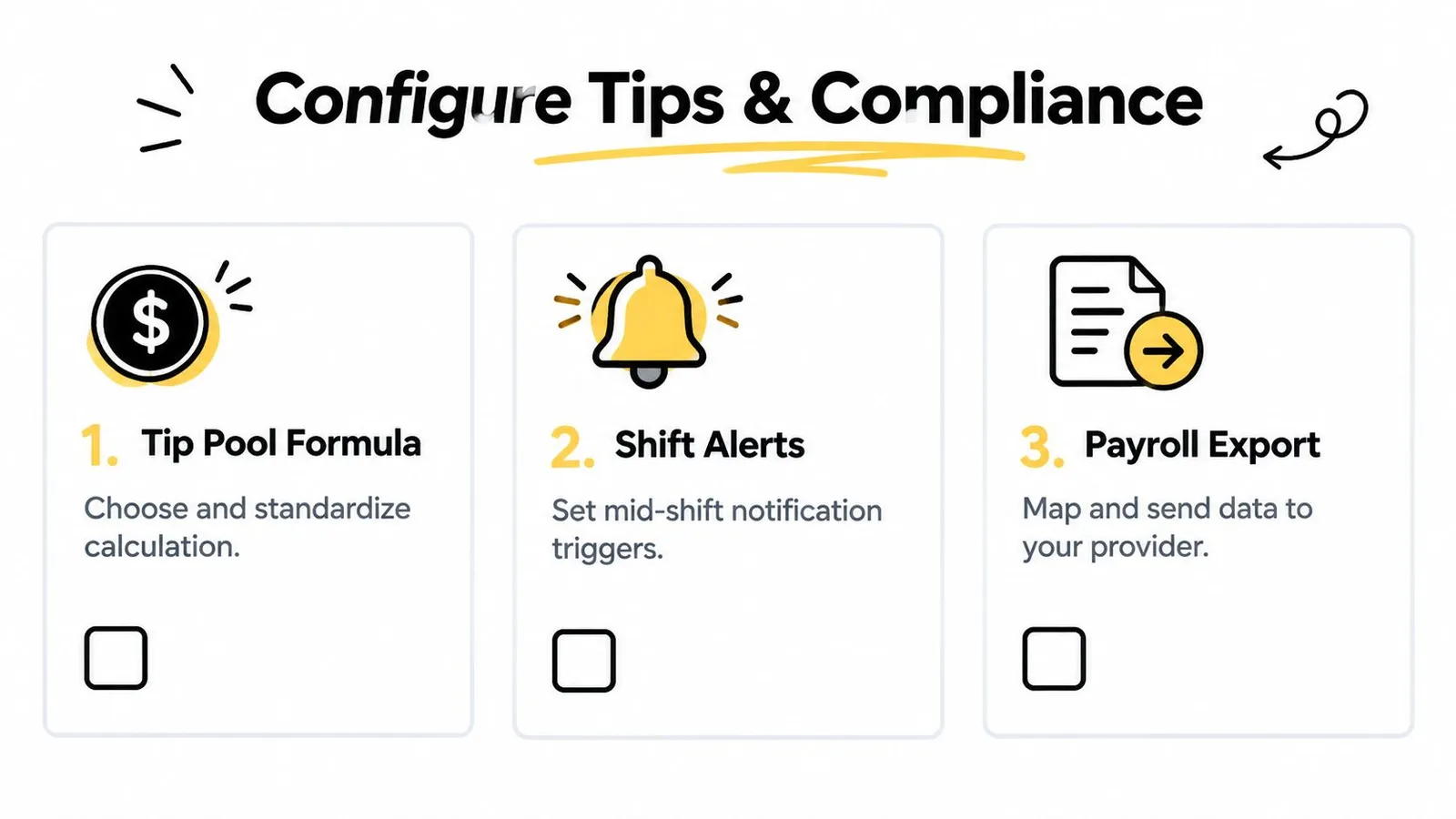
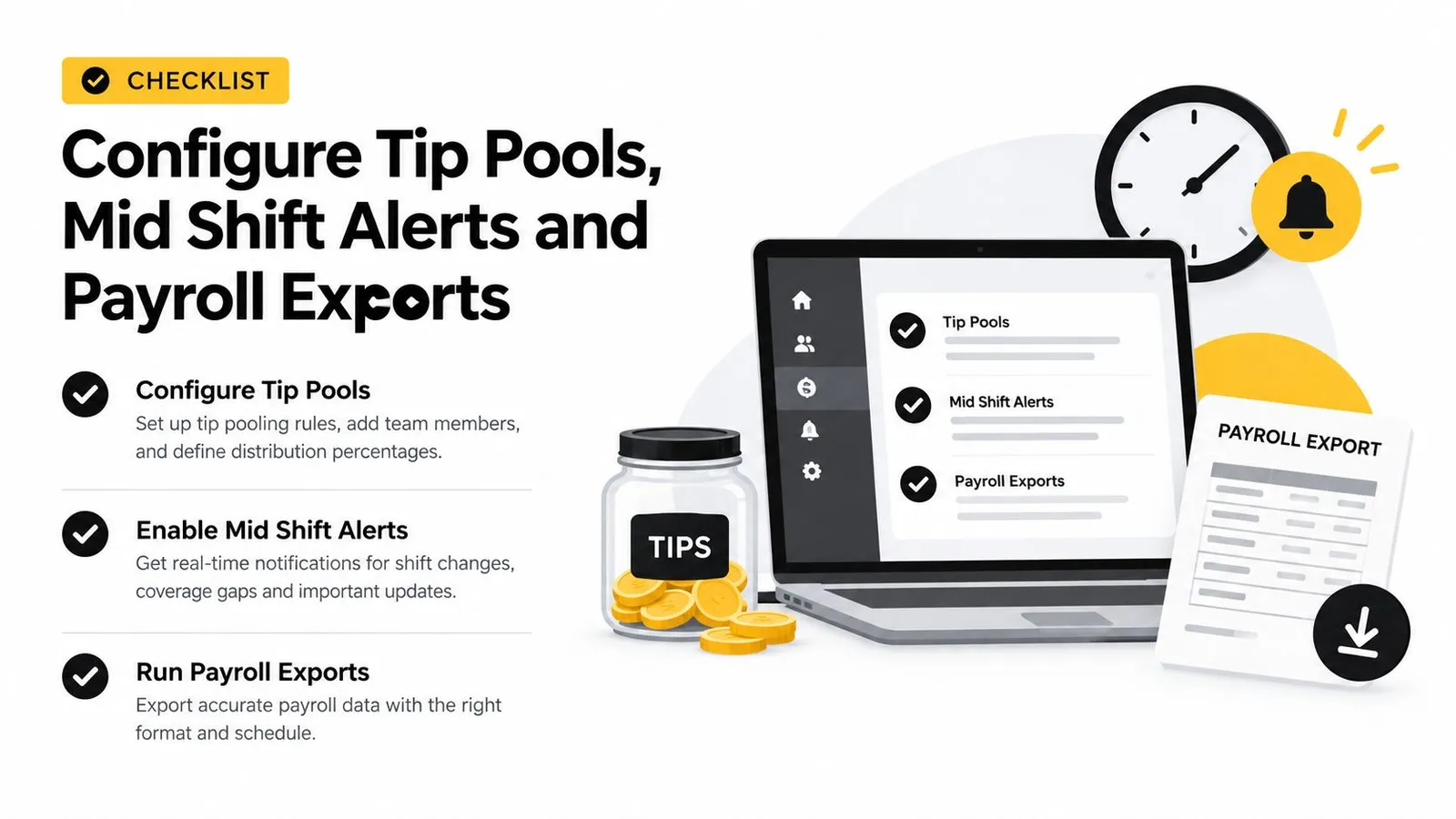
Begin by choosing one pool formula and documenting it. Decide whether the pool is FOH-only or includes BOH, whether distribution uses hours, role weights, or a hybrid, and which employees qualify. Managers and supervisors must be excluded where required. The policy should be written in language employees can understand, then reviewed with qualified counsel before launch.
The U.S. Department of Labor requires an employer that collects tips to fully redistribute a mandatory tip pool within the pay period and notify tipped employees of any required contribution amount. Employers must also preserve payroll or other records for employees who receive tips, including the weekly or monthly tip amounts they report. Those requirements appear in the Department of Labor fact sheet on tipped employees.
Make the calculation traceable
The formula should be consistent across shifts and locations unless a documented policy says otherwise. Pull the calculation from real POS sales and clocked-in eligibility, then account for cash declarations, delivery tip-outs, and any other configured distribution inputs.
A practical control point is to reconcile the POS tip report against payroll staging before payroll is submitted. If the total doesn't match, stop and investigate the source. Check missed clock-ins, incorrect roles, excluded employees, cash declarations, and delivery adjustments. Automatic calculation is useful only when the inputs remain trustworthy.
The AnchOps tip pooling workflow provides a reference for organizing these decisions inside the platform. The important operational choice is transparency. Employees should be able to understand which sales, hours, roles, and exclusions produced the amount shown to them.
Use alerts to correct the shift while it is still running
Mid-shift alerts should trigger when actual labor exceeds the configured target or when coverage drops below a required threshold. The alert isn't a command to cut someone immediately. It gives the manager time to review sales, service conditions, breaks, and the remaining schedule.
Payroll export needs the same discipline. Sync timecards, send them through batch approval, and compare the staged data with POS records before exporting to the payroll provider. Managers should know who approves corrections and how exceptions are documented. A clean export is the end of a review process, not merely a file generated by a button.
Test Publish and Manage Daily Coverage With Confidence
The final test is not whether the draft looks neat. It's whether a manager can explain every important assignment and recover from a call-off without opening a separate group chat, rebuilding the schedule, and losing track of approvals.
Preview labor projections first. Compare planned coverage with the expected demand pattern, then check availability, positions, locations, and overtime risk. Reliability scores can inform assignments by reflecting rolling 90-day performance data, including on-time attendance, lateness, covers, and no-shows. Use that score as decision support, not as an excuse to punish people for a single unusual event.
A reliable schedule is one the team can understand, confirm, and repair without manager intervention for every small change.
Publish narrowly before increasing autonomy
Each location can use a different publishing level. Start with draft-only review or one-tap approval while managers learn how the data behaves. Fully autonomous publishing may make sense later for a stable location with trusted templates, but it shouldn't be the default during the first live run.
Publish one location and one schedule first. Ask employees to confirm their shifts in the app, then watch for availability conflicts, unanswered assignments, and position errors. Keeping communications in-app creates one record of the published schedule, call-outs, swaps, and approvals instead of scattering decisions across text messages.
For teams coordinating payroll alongside scheduling, this guide to hospitality payroll services offers useful context on the surrounding administrative workflow. Scheduling and payroll don't need identical tools, but they do need consistent records.
Design the coverage workflow before the emergency
Open shifts should go to qualified employees through targeted outreach. The first confirmation fills the slot, which avoids multiple people assuming they have accepted the same shift. A peer-to-peer swap should require coworker and manager approval, and the schedule should update automatically only after the approval is complete.
Call-off policy matters just as much as the software. Publish schedules at least two weeks in advance, use one approved channel for call-outs, and require manager approval for every shift swap. Until the swap is approved, the originally scheduled employee remains responsible for the shift. Confirm shifts the night before, then recognize reliable attendance visibly, as recommended in restaurant no-call, no-show policy guidance.
When a call-off arrives, the manager should record it, open the shift, and let the coverage workflow contact qualified people. The operator still makes the final judgment, but the system handles the repetitive search and keeps the decision trail intact.

Troubleshooting Checklist and Launch Tips That Prevent Errors
The common assumption is that a system is ready when the integration says “connected.” In a restaurant, connection is only the starting line. The test is whether the imported people, roles, locations, availability, labor rules, tips, and approvals agree with what happens during service.
Use a parallel-run week. Keep the existing spreadsheet or whiteboard process available while the new system produces the schedule, then compare the two before full cutover. Independent setup guidance emphasizes historical POS import, employee app onboarding, a parallel-run week, and manager training on exception handling because migration is a change-management project, not a one-step software task.
Run these checks before full cutover
- Role and location audit: Confirm every employee is mapped to the correct role and site.
- Availability review: Ask employees to verify recurring availability and current time-off requests.
- Template test: Check opening, peak, closing, and minimum coverage positions against actual operations.
- Labor review: Inspect projections, target thresholds, and warnings as the schedule approaches overtime.
- Tip reconciliation: Compare POS tip reports with payroll staging and investigate every mismatch.
- Permission test: Log in as an employee and manager to verify each view and approval path.
- Coverage test: Create a controlled open shift, send targeted outreach, approve a response, and confirm the schedule updates.
- Call-out logging: Record the date, time of notice, communication method, reason category, and person who received the notice. This creates the data needed for reliability scoring and repeat-pattern review, consistent with restaurant attendance tracking guidance.
Start smaller than feels necessary
The safest first deployment is usually one location, one published schedule, and a narrow set of exceptions. Full enterprise-wide automation creates too many variables at once, especially when employee profiles, POS history, and operational trust are still being tested.
Train managers on what to do when the data is wrong. They should know how to correct a role, reject a swap, handle a late call-out, adjust a template, and pause an export. Prevention comes from making those exception paths clear before the first busy service, not from hoping the first schedule has no exceptions.
AnchOps combines schedule drafting, targeted shift coverage, reliability tracking, timecards, labor alerts, and Toast-based tip calculations in one operating workflow. Visit AnchOps to see how you can configure the system around one live location, validate the data in a parallel run, and expand only after your managers trust the results.
Your back-of-house partner is ready
AnchOps handles scheduling, tip calculations, labor costs, and timecards — so you can focus on your restaurant, not your paperwork.