10 Top Restaurant Management Software for 2026
Published on
By Tony Newcome — Founder of AnchOps · Owner, Pizza Harbour
This article was drafted with AI assistance and reviewed by Tony Newcome, a working restaurant operator.
The top restaurant management software for 2026 depends on the problem you're solving: AnchOps for labor and tip automation on Toast, Toast itself for POS-centered operations, Restaurant365 for accounting-heavy multi-unit groups, Square and Lightspeed for simpler stacks. This guide compares ten platforms for QSR, full-service, and multi-unit operators by the problems they actually fix.
That's why most “top restaurant management software” lists miss the point. Operators don't buy software because they want more dashboards. They buy it to solve a specific problem: labor running hot, tip math eating closing time, inventory blind spots, or back-office reporting that arrives too late to matter.
The market is moving hard in that direction. The global restaurant management software market is projected to grow from USD 7.49 billion in 2026 to USD 14.73 billion by 2031 at a CAGR of 14.52%, according to Mordor Intelligence's restaurant management software market analysis. That growth makes sense from the operator side. Restaurants are replacing fragmented tools with connected systems that handle order management, payment processing, payroll, labor tracking, and inventory in one workflow.
This list is built for that reality. Instead of rating tools by who has the longest feature page, I'm matching them to the operational headaches they fix. If you run Toast and labor is the problem, your best answer won't look the same as a multi-unit group that needs accounting consolidation.
Table of Contents
- 1. AnchOps
- Why AnchOps stands out
- Best fit
- 2. Toast
- Where Toast wins
- 3. Restaurant365 (R365)
- When R365 makes sense
- 4. Square for Restaurants
- Who should choose Square
- 5. Lightspeed Restaurant
- Where Lightspeed fits best
- 6. TouchBistro
- Why operators like it
- 7. Revel Systems
- Best use case
- 8. Oracle MICROS Simphony
- Who Simphony is built for
- 9. 7shifts
- Where 7shifts helps most
- 10. MarginEdge
- Why MarginEdge earns its place
- Top 10 Restaurant Management Software Comparison
- Final Thoughts
1. AnchOps
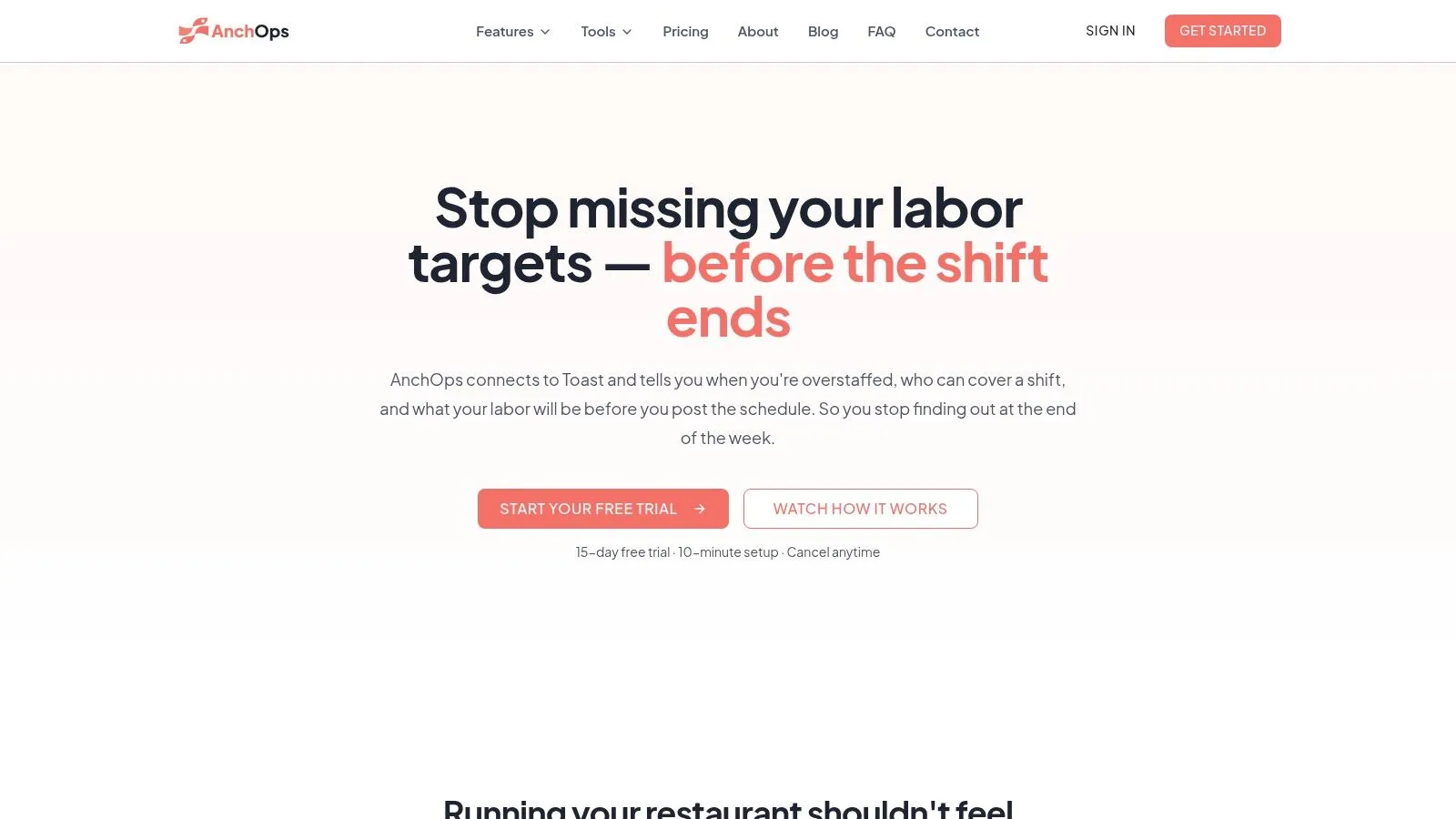
Saturday dinner service is running hot, a server called out, and labor is already creeping past target by 6:30. That is the moment most managers need help. Not after payroll closes. Not in a weekly report. During the shift, while there is still time to cut, reassign, or hold the next clock-in.
AnchOps is built for that problem. It focuses on labor control before and during service, which is still a weak spot in a lot of restaurant software stacks.
With the optional Toast integration, AnchOps pulls in employees, sales, time entries, and payments. That gives managers projected labor before they publish a schedule, sales-aware scheduling based on availability and prior volume, and live alerts when labor starts drifting above target. For operators trying to control prime cost without texting six people and opening three systems, that matters.
Why AnchOps stands out
A lot of labor tools can tell you what went wrong. Fewer help you correct it in the same shift.
That distinction is why AnchOps earns the top spot here. This list is not just about feature depth. It is about choosing the right tool stack for the operating problem in front of you. If the problem is late labor visibility, manual tip math, and messy payroll prep, AnchOps addresses those pain points directly.
It also cuts admin work that usually lands on the GM or closer. Tip pools, tip-outs, and delivery distributions can be calculated from Toast data. Timecard review happens in a weekly grid with batch approvals. Payroll exports are ready for the next step instead of needing cleanup first. Shift swaps, coverage requests, and team communication stay in the app, which is far easier to manage than scattered texts.
Practical rule: If managers build schedules in one system, check sales in another, and calculate tips by hand at close, the process is set up for errors.
Best fit
AnchOps fits best for Toast restaurants that feel labor pressure every week and want tighter control without adding more manager busywork. I would put it in front of multi-unit groups, busy independents, and any operator who already knows the problem is not writing a schedule. The problem is writing one that matches sales, adjusting it fast, and getting payroll out cleanly.
The trade-off is clear. AnchOps is strongest when Toast is already in place, because that integration drives the forecasting, tip automation, and payroll cleanup. If you run another POS, you should confirm exactly which data syncs before you commit. Pricing is not public either, so you will need a sales conversation to judge total cost against the labor hours it can save.
2. Toast
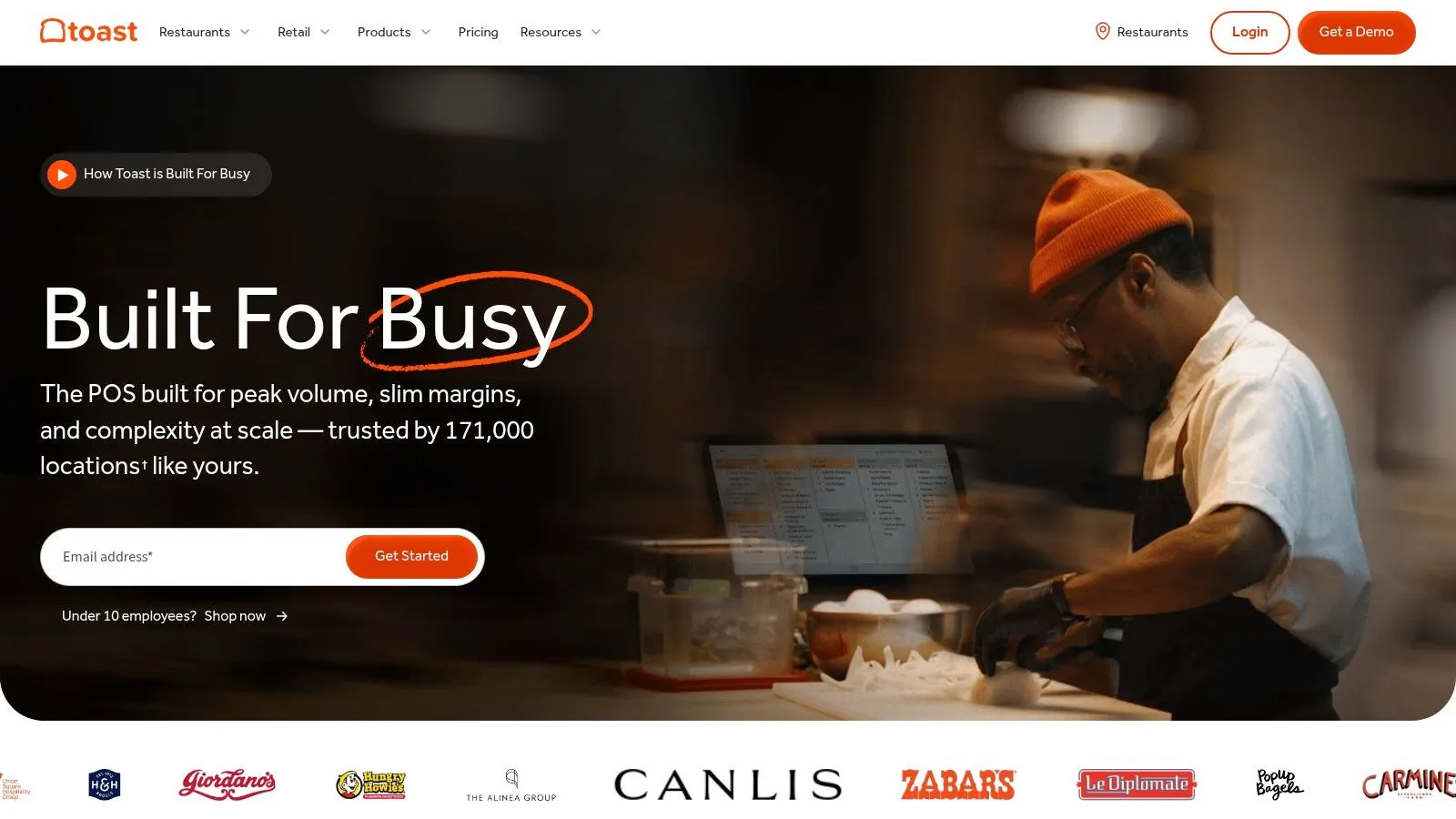
Toast is still one of the strongest answers for operators who want a restaurant-first POS with a broad native ecosystem. It covers front-of-house, back-of-house, digital ordering, handhelds, integrated payments, and a long menu of add-ons that let you keep more of your operation in one stack.
That matters because front-end software, including POS, held 34% of the market in 2024, and many operators still treat POS and labor as separate decisions, as discussed in Aaron Allen's perspective on restaurant management software. In practice, that split creates blind spots. Toast is strongest when you want the POS to be the operating spine, not just the order terminal.
Where Toast wins
Toast's best fit is a U.S. restaurant that wants restaurant-specific hardware and workflows without stitching together a bunch of generic tools. Handheld ordering, offline mode, online ordering, loyalty, delivery integrations, team tools, and xtraCHEF-style inventory and cost workflows make it a practical stack for growth.
The downside is familiar to anyone who's priced POS systems before. Hardware tends to be Toast-specific, and payment processing is quote-based, so total cost depends on your setup and deal terms.
If you're deciding whether Toast should be your core system, ask one question first. Do you want one vendor handling as much of daily service as possible? If the answer is yes, Toast belongs near the top of your shortlist through Toast restaurant POS and operations software.
3. Restaurant365 (R365)
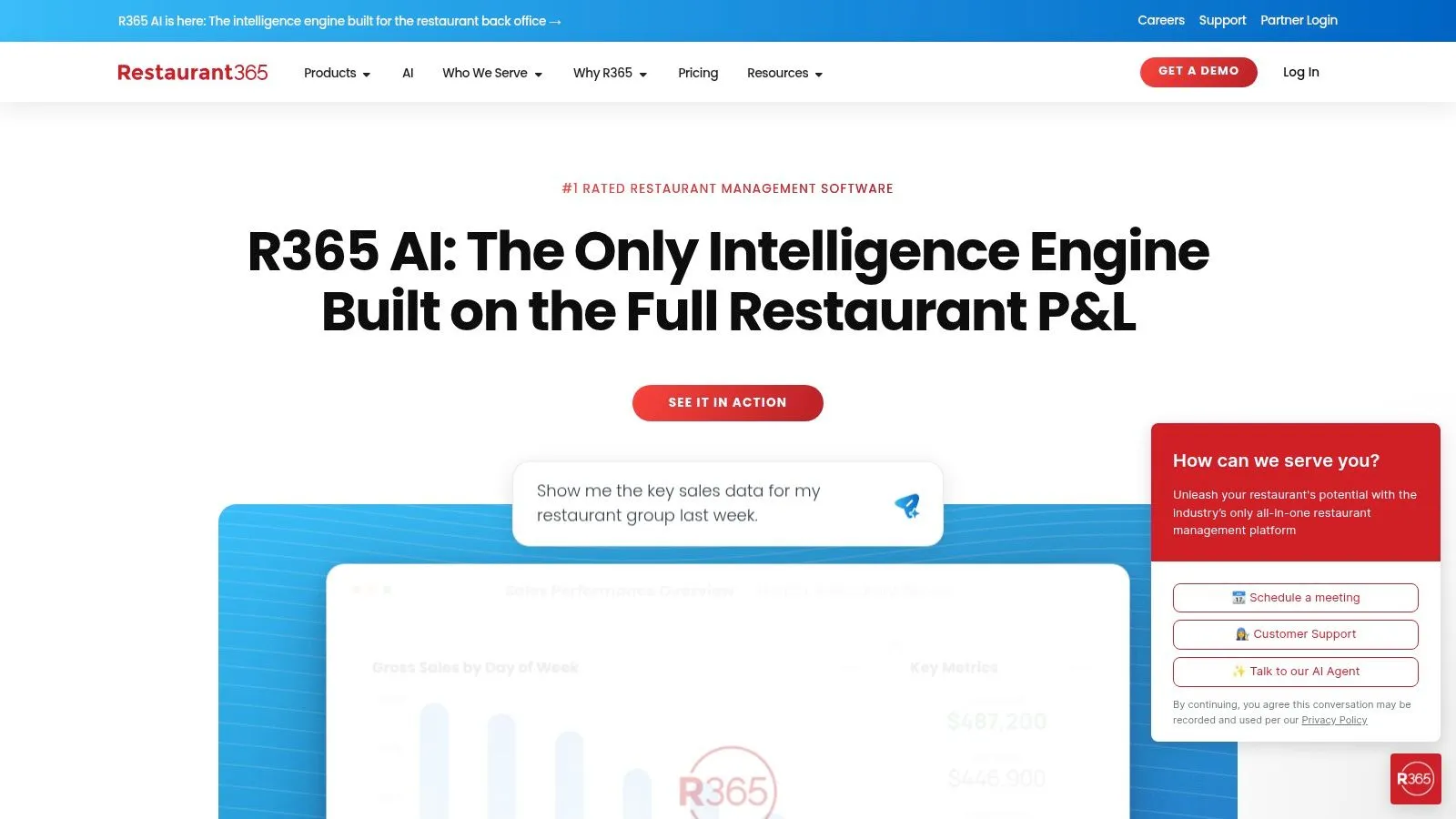
Restaurant365 is what I'd call a grown-up back office. It doesn't try to be your dining-room POS. It centralizes accounting, AP automation, bank sync, inventory, purchasing, workforce scheduling, payroll, HR, and analytics so finance and operations are looking at the same business.
That's why it pairs well with systems like Toast, Square, and Lightspeed. If your problem is not taking orders but understanding what those orders meant financially across one or many stores, R365 has the right shape.
When R365 makes sense
The larger software category is expanding because operators want integrated visibility. Technavio says the global restaurant management software market is set to increase by USD 9.12 billion from 2025 to 2030 at a CAGR of 19.4% in its restaurant management software market report. R365 sits directly in that trend by pulling accounting, labor, inventory, and payroll into one operating model.
Its practical advantage is that managers can stop assembling reports manually between systems. For groups trying to tighten close processes or standardize reporting across locations, that's a real operational upgrade.
Don't buy R365 because you want fewer apps on your phone. Buy it because your controller, operator, and GM need one shared set of numbers.
The trade-off is simple. R365 depends on integrations for front-of-house POS. It's also quote-based, so you'll need a sales conversation. If payroll complexity is part of the pain point, it's worth pairing your evaluation with this guide to restaurant payroll software for operators before you commit to a stack.
You can review the platform at Restaurant365's official site.
4. Square for Restaurants
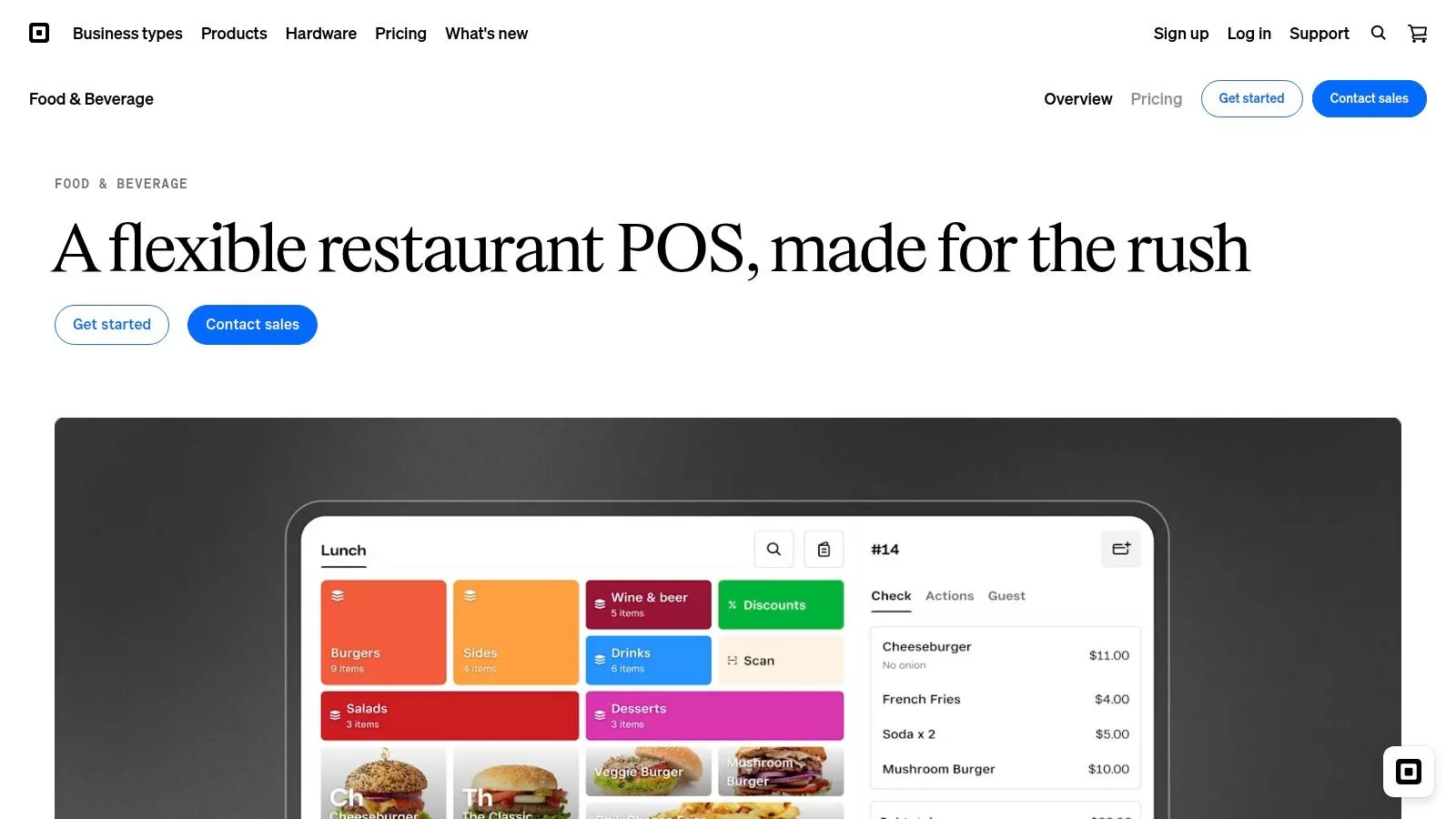
Square for Restaurants is the easiest recommendation on this list for operators who need to get moving fast. It has a low barrier to entry, a Free tier, straightforward setup, and a broad hardware and payments ecosystem that works well for independents, counterservice shops, and simpler full-service setups.
Where Square shines is speed. Menus, open checks, coursing, seat management, preauth bar tabs, online ordering, delivery integrations, KDS, and kiosk options cover a lot of ground without forcing you into a heavy rollout.
Who should choose Square
Square is a strong fit if you want practical restaurant POS functionality and don't need deep enterprise controls on day one. For smaller operators, the ability to start lean matters more than having every advanced module under the sun.
Its limitations show up as complexity grows. Multi-unit controls and deep inventory workflows are lighter than some larger suites, and advanced features often sit behind higher tiers or add-ons.
A good rule of thumb is this:
- Choose Square if speed matters most: You need a system live quickly and don't want a long implementation.
- Choose Square if budget flexibility matters: The entry path is friendlier than many restaurant-specific POS systems.
- Look elsewhere if complexity is already high: If you're managing layered commissary, deep recipe costing, or tight multi-location control, you may outgrow it.
If Square is on your shortlist, it's smart to think through ecosystem fit early, especially around integrations and future workflows. This Square POS integration guide is a useful planning read. The product itself is at Square for Restaurants.
5. Lightspeed Restaurant
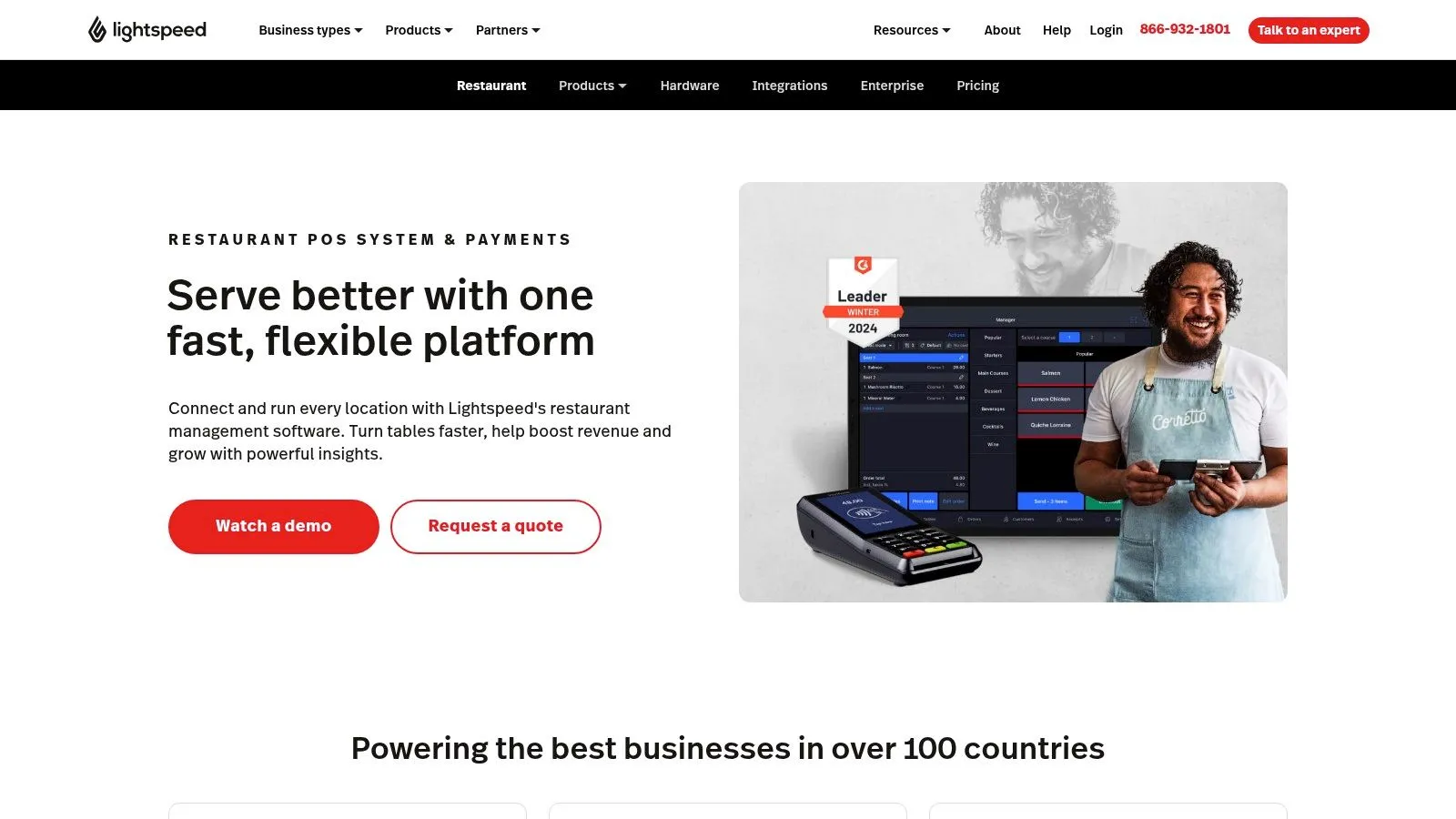
Lightspeed Restaurant is a good middle path for operators who want a cloud POS with stronger visibility and clearer pricing structure than many quote-only competitors. It covers floor plans, menu management, online ordering, preauth tabs, multi-location tools, and analytics without feeling locked into a single tiny use case.
I usually like Lightspeed most for groups that care about reporting discipline. Some platforms are fine operationally but weak when ownership wants consistent cross-location visibility. Lightspeed tends to be stronger on that front.
Where Lightspeed fits best
Published plan structure helps here. You can at least understand how the product is packaged before you enter a negotiation, which is more than a lot of restaurant software can say.
The caution is that some functionality can move into add-ons, especially if you want advanced inventory, reservations, or broader operational tooling. Payments setup can also vary by plan and agreement. That doesn't make Lightspeed a bad choice. It just means you should map the total stack, not just the headline plan.
For operators who want a cloud POS with analytics depth and room to grow, Lightspeed Restaurant is a serious option.
6. TouchBistro
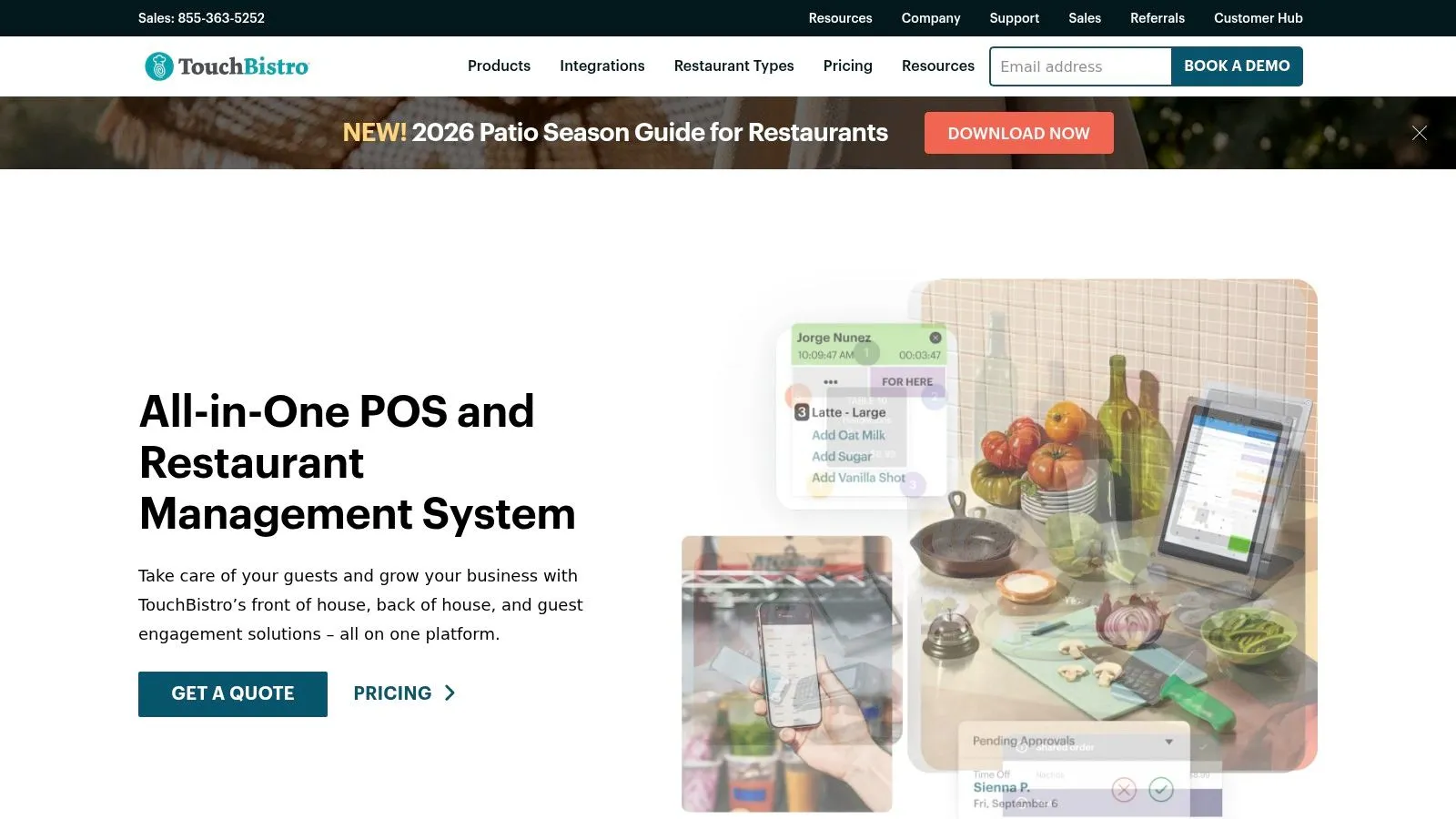
TouchBistro has always made more sense to me for operators who want an iPad-first experience and care a lot about front-of-house usability. Tableside ordering, floor and table management, KDS support, reporting, and offline capability give it a practical service-floor feel, especially in full-service environments.
It's not trying to be everything at once. That's part of the appeal. If your team needs a system servers and managers can learn quickly, TouchBistro usually feels approachable.
Why operators like it
TouchBistro works well when FOH execution is the priority and you're comfortable layering in add-ons for inventory, reservations, online ordering, or labor-related functions. That modular approach can be helpful for operators who don't want to overbuy on day one.
The trade-off is cost creep. Quote-based pricing plus added modules can change the total spend as your needs expand. That's not unusual in restaurant software, but it's worth stress-testing before rollout.
A practical fit would be a full-service concept that wants polished table management and iPad-native workflows through TouchBistro restaurant software.
7. Revel Systems
Revel Systems is for operators who want control and are willing to pay for it with a heavier setup. It's an iPad-based POS platform with multi-location management, inventory depth, recipe management, KDS support, enterprise reporting, and a powerful API layer that makes custom workflows more realistic than they are in lighter SMB tools.
That's why it often lands well with QSR and fast-casual chains. If the menu is complex, the reporting needs are serious, and you expect lots of integrations, Revel deserves a close look.
Best use case
The upside is configurability. The downside is that configurability takes work. You'll likely spend more time on implementation, data setup, and process design than you would with a simpler plug-and-play system.
This is not the product I'd put in front of a single-unit operator who just wants to be live next week. It is a product I'd put in front of a chain that wants stronger data access, more granular controls, and room to shape workflows over time.
You can evaluate it at Revel Systems.
8. Oracle MICROS Simphony
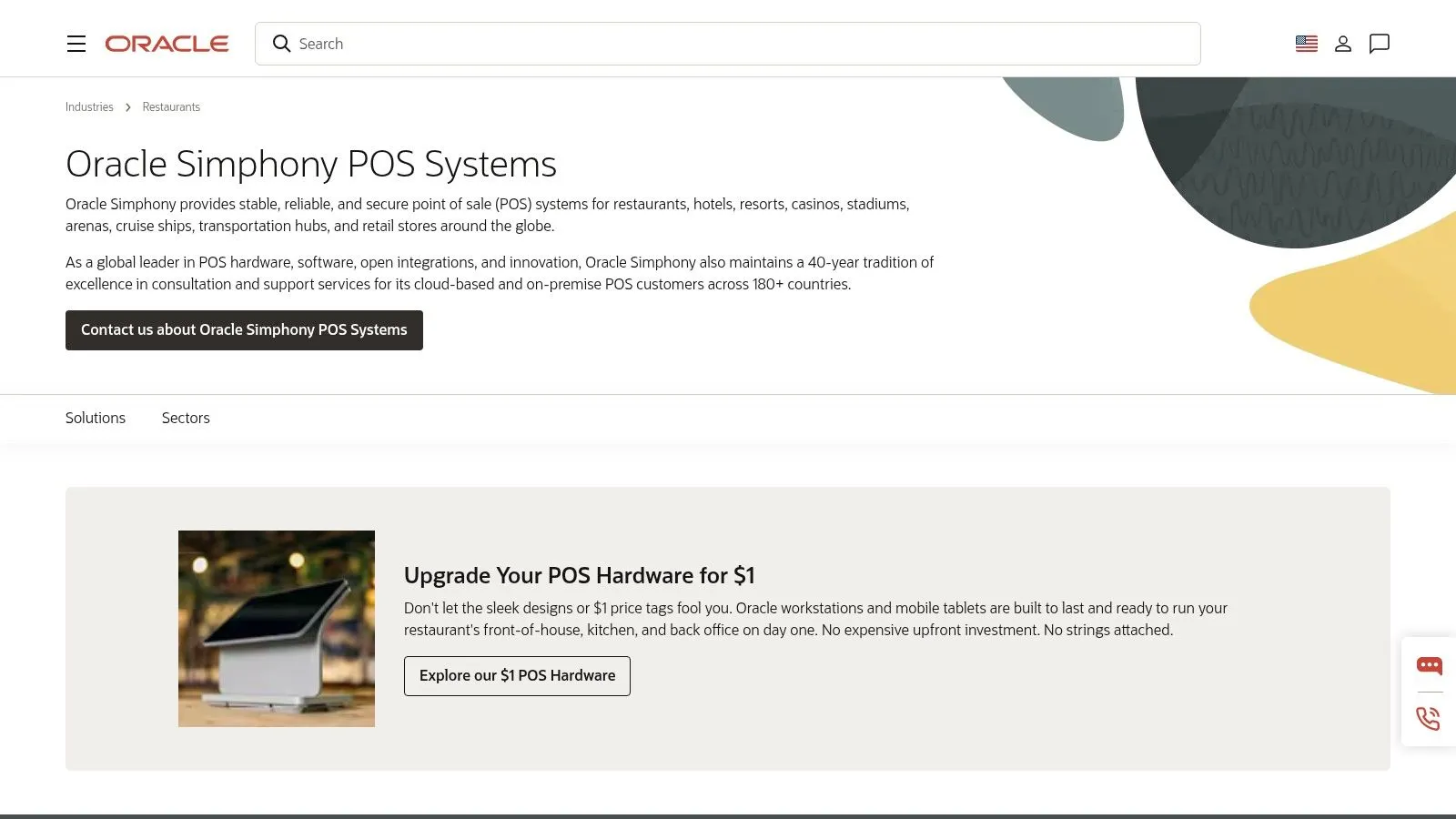
Oracle MICROS Simphony sits in a different category from most of this list. It's built for scale, complexity, and high-volume environments such as stadiums, hotels, airports, cruise operations, and major multi-site restaurant brands. You get cloud POS, table management, inventory and menu controls, kiosks, mobile order and pay, drive-thru support, analytics, and broad integration options.
This is enterprise software in the classic sense. It's meant to standardize a lot of moving parts.
Who Simphony is built for
If you operate in multiple regions, need centralized control, and care about hardware durability and ecosystem breadth, Simphony can make a lot of sense. Large operators often need that level of rigor.
If you run one or two locations, it can be more system than you need. Quote-based pricing and Oracle-centric hardware also mean you should go in expecting a formal procurement process rather than a lightweight trial-and-buy motion.
Big software isn't better software. It's better only when your operation is big enough to need its controls.
For enterprise restaurant groups and complex hospitality environments, Oracle MICROS Simphony remains a serious contender.
9. 7shifts
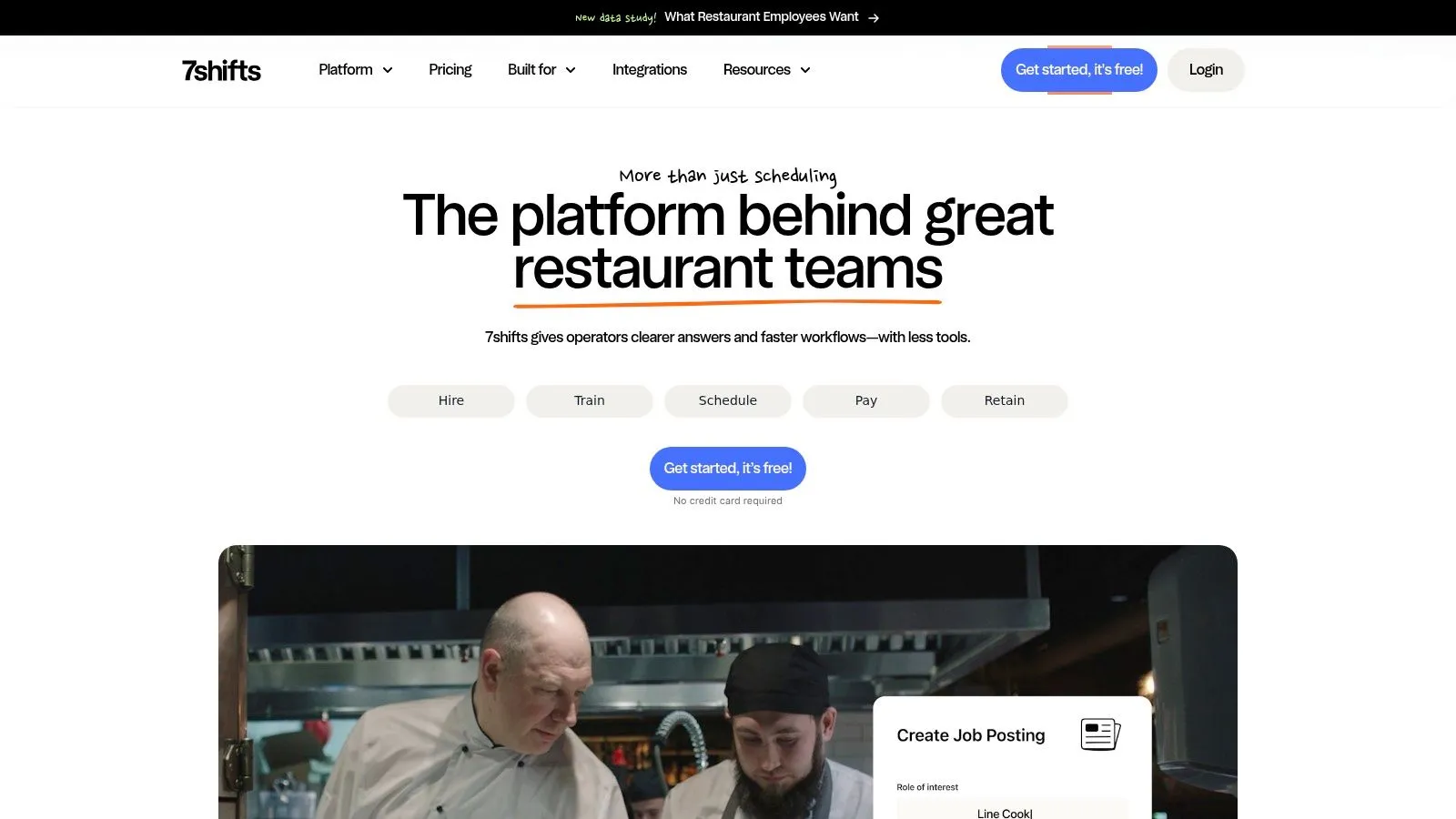
7shifts is one of the clearest labor-focused options in the market. It handles hiring, onboarding, scheduling, time clocking, compliance, team communication, payroll integration, and labor tracking in a way that feels built for restaurants rather than adapted to them.
That focus matters because labor is where a lot of restaurants bleed margin. Workforce.com states that labor management systems can reduce labor costs by 4 to 11 percent in hospitality operations by aligning staffing with real-time sales data and flagging potential overtime early. That's the operational promise behind tools like 7shifts.
Where 7shifts helps most
7shifts is strongest for operators who need structure around availability, time-off, shift pools, manager logs, compliance, and team communication. If your scheduling process still depends on chasing texts and manually checking overtime exposure, you'll feel the benefit quickly.
There are some caveats. Pricing changes based on location count and add-ons, payroll has per-employee fees, and the company has announced changes around tip payout functionality. If tip workflows are central to your operation, confirm what's current before rollout.
For managers trying to tighten weekly scheduling habits, this guide on how to create a restaurant staff schedule that actually works pairs well with a 7shifts evaluation. A second useful read is this UK hospitality playbook for reducing overtime, especially if overtime creep is your real issue.
You can review the platform at 7shifts.
10. MarginEdge
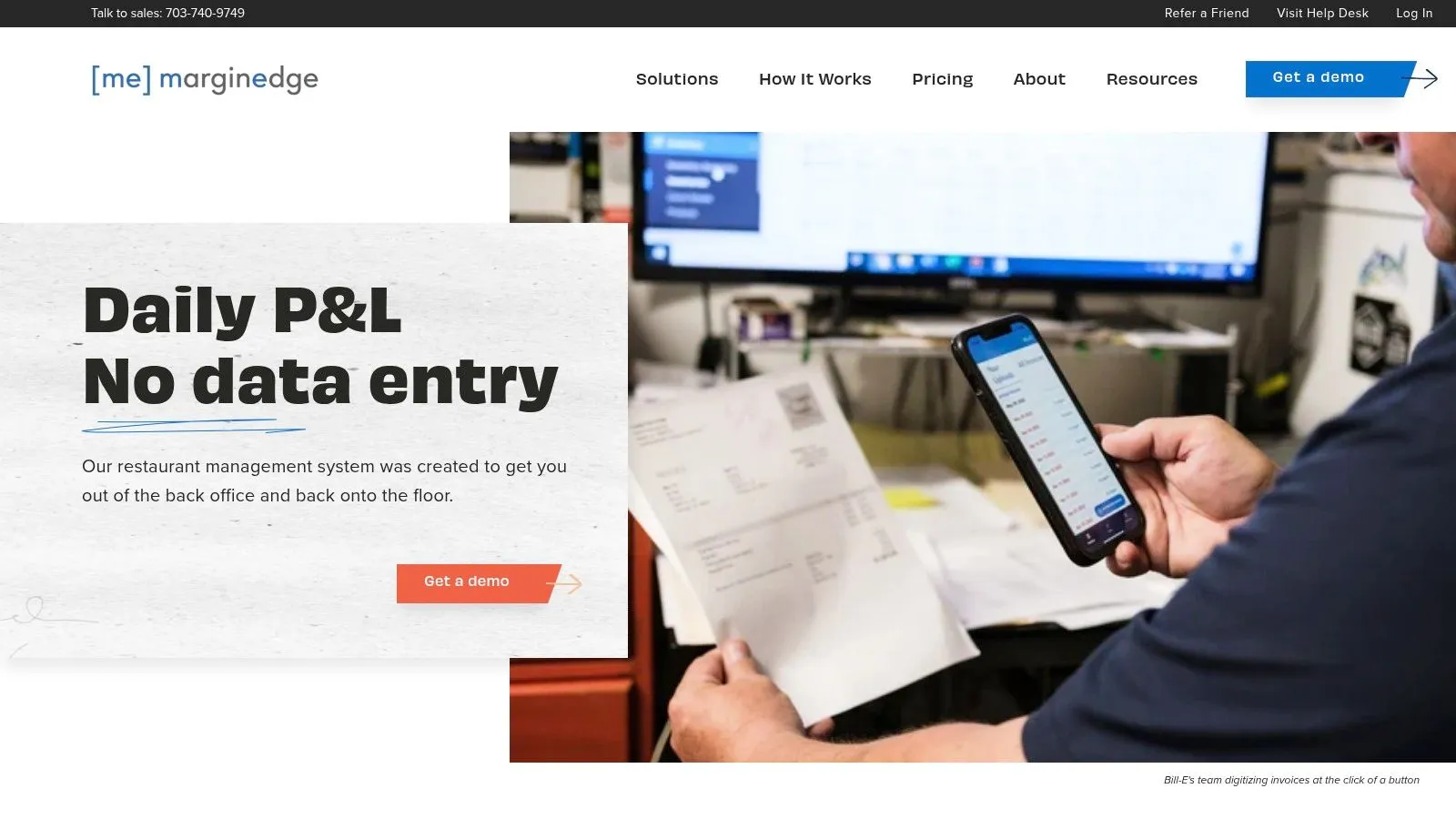
MarginEdge earns its place because it solves a different problem than the POS-heavy tools above. It's built for food cost control and back-office clarity. Invoice capture, vendor price change alerts, recipe costing, theoretical versus actual usage tracking, daily P&L visibility, and integrations with POS and accounting systems make it useful for operators who need tighter control over what the kitchen is doing to margins.
This is one of the cleaner choices for independents and small groups that want fast insight without buying a massive enterprise suite.
Why MarginEdge earns its place
I like MarginEdge when operators know their issue is cost discipline, not order entry. If invoices are still being keyed manually or recipe costing is stale, this kind of tool can clean up a lot of noise fast.
Transparent flat per-location pricing also helps. In restaurant tech, that's refreshing. You know sooner whether it fits.
Its limitation is obvious. MarginEdge is not your POS, and it relies on integrations for front-of-house transaction data. Liquor-heavy programs may also need the higher-end bundle depending on what control they need.
If labor planning is connected to your cost-control push, this primer on restaurant labor planning for profitable shifts is worth reading alongside a MarginEdge review. The platform itself is at MarginEdge.
Top 10 Restaurant Management Software Comparison
| Product | Core features | UX / Quality (★) | Value & Pricing (💰) | Target audience (👥) | Unique selling points (✨ / 🏆) |
|---|---|---|---|---|---|
| 🏆 AnchOps | Labor forecasting, Toast sync, auto-schedule, tip pooling, mid-shift alerts | ★★★★☆, operations-tested, fast setup | 💰 Free-forever plan + 15-day trial; pricing on request | 👥 Independents, multi-unit groups, Toast users | ✨ Auto tip math, mid-shift alerts, <5min schedule builds, batch payroll exports |
| Toast | POS + payments, handhelds, online ordering, team tools | ★★★★★, integrated hardware & software | 💰 Quote-based; integrated payments affect cost | 👥 US restaurants, multi-location operators | ✨ End-to-end stack with native payments & hardware |
| Restaurant365 (R365) | Accounting, AP, inventory/costing, scheduling, payroll/HR | ★★★★☆, back‑office depth | 💰 Quote-based; scales from single-unit to enterprise | 👥 Finance-focused operators, multi-unit groups | ✨ All-in-one back office with robust costing & reconciliation |
| Square for Restaurants | POS, seat/coursing, delivery, KDS & kiosk apps | ★★★★, simple, reliable | 💰 Free tier; Plus and per-device pricing | 👥 Small/medium restaurants, quick starters | ✨ Low barrier to entry, broad hardware/payment options |
| Lightspeed Restaurant | Cloud POS, floor plans, analytics, KDS, published tiers | ★★★★, strong analytics & reporting | 💰 Published US tiers (Starter→Premium) | 👥 Independents and multi-site groups | ✨ Clear pricing, advanced insights & AI tools |
| TouchBistro | iPad POS, tableside ordering, KDS, inventory & reservations | ★★★★, intuitive Apple-centric UX | 💰 Quote-based; modular add-ons | 👥 Full-service & quick-service operators using iPad | ✨ iPad-first workflows, flat reservation pricing |
| Revel Systems | iPad POS, multi-unit controls, inventory, robust APIs | ★★★★, highly configurable | 💰 Quote-based enterprise pricing | 👥 QSR / fast-casual chains, complex menus | ✨ Extensive APIs and customization for complex deployments |
| Oracle MICROS Simphony | Enterprise POS, kiosks, KDS, global integrations & hardware | ★★★★, proven at scale | 💰 Quote-based; enterprise hardware costs | 👥 Global enterprises, stadiums, hotels, airports | ✨ Built for very high volume & multi-region control |
| 7shifts | Scheduling, time clocking, communications, tip mgmt, compliance | ★★★★, deep scheduling features | 💰 Tiered plans; per-employee payroll fees/add-ons | 👥 Ops managers, multi-location restaurants | ✨ Restaurant-focused scheduling, broad POS integrations |
| MarginEdge | Invoice capture, recipe costing, daily P&L, vendor price alerts | ★★★★, cost-control focused | 💰 Transparent flat per-location pricing | 👥 Independents & groups focused on food cost | ✨ Invoice digitization, fast ROI with transparent pricing |
Which Restaurant Management Software Should You Choose?
The best top restaurant management software isn't the product with the longest feature list. It's the one that removes the specific bottleneck that keeps hitting your store every week.
If labor is the pain, start with labor-first tools. If accounting and reporting are the mess, solve the back office. If service execution is inconsistent, tighten POS and FOH workflows first. Too many operators buy broad software when they really have one acute operational wound. That usually ends with expensive overlap, weak adoption, and managers working around the system instead of through it.
The bigger picture supports taking software more seriously. Grand View Research says North America held the largest revenue share of 32.1% in 2025 in the restaurant management software market, with broad cloud adoption driving that lead, according to its restaurant management software industry analysis. That tracks with what operators are seeing on the ground. More restaurants are moving core processes into connected systems because manual workflows break under staffing pressure, growth, and multi-channel sales.
For practical selection, I'd break this list into four buckets.
- Choose AnchOps or 7shifts if labor control is the primary issue: AnchOps is stronger for Toast users who want forecasting, mid-shift labor alerts, tip automation, and payroll cleanup in one workflow. 7shifts is a strong labor platform when you want broad POS integrations and established scheduling structure.
- Choose Toast, Square, Lightspeed, TouchBistro, Revel, or Simphony if POS is the center of the decision: The right one depends on complexity. Square is easy to launch. Toast is a strong all-around restaurant operating stack. Revel and Simphony fit more complex control needs.
- Choose R365 or MarginEdge if back-office clarity is what's missing: R365 is the bigger operational-financial hub. MarginEdge is a sharper tool for daily food cost and invoice discipline.
- Stack carefully: A great combo often beats a bloated all-in-one. Toast plus AnchOps is a good example when labor execution is the problem, not payment acceptance.
One last operator rule. Don't evaluate software in demo mode only. Evaluate it in Tuesday-at-4:30 mode. Can your manager fix a labor drift issue before dinner? Can your closer finish without hand-calculating tips? Can payroll go out without a half day of cleanup? Those are the tests that matter.
If labor is where your margins keep slipping, AnchOps is worth trying first. It's built for restaurant operators who need to forecast labor before publishing schedules, catch labor drift during the shift, automate tip pooling and timecard review, and stop wasting manager hours on spreadsheets and group texts. The free-forever basic scheduling plan and 15-day trial make it easy to test in a live store without a heavy commitment.
Your back-of-house partner is ready
AnchOps handles scheduling, tip calculations, labor costs, and timecards — so you can focus on your restaurant, not your paperwork.