10 Sling Alternatives for Restaurants: A Practical Guide
Published on
By Tony Newcome — Founder of AnchOps · Owner, Pizza Harbour
This article was drafted with AI assistance and reviewed by Tony Newcome, a working restaurant operator.
You publish next week's schedule, then a server calls out for Friday dinner. The available replacement is close to overtime, the labor forecast is already tight, and someone still needs to approve yesterday's timecards. You don't need another calendar. You need a reliable way to connect staffing decisions with what happens during service.
That's the useful test for Sling alternatives. Switching platforms won't fix inconsistent availability records, unclear swap rules, or managers who approve punches without checking them. A replacement should make those processes easier to follow through scheduling automation, qualified open-shift coverage, accurate time tracking, and visible labor costs.
Compare feature depth, restaurant workflows, POS compatibility, pricing structure, implementation effort, and location-level controls. An independent cafe might need straightforward scheduling and timekeeping. A restaurant group might need forecasting, shared employees, and different labor rules across locations.
- Start with coverage: Can a manager fill a call-off without contacting the whole team?
- Follow the money: Can scheduled hours be reconciled with actual time, sales, payroll, and tips?
- Price the complete workflow: Include required modules and implementation, not just the advertised subscription.
Software belongs alongside practical staff shortage solutions, not in place of them. For Toast restaurants, AnchOps is also worth considering when the priority is automated coverage and labor workflows through a flat-priced model rather than tiered feature bundles.
Table of Contents
- 1. 7shifts
- Where the broader scope helps
- 2. Homebase
- 3. Deputy
- Test the constraints, not just the draft
- 4. When I Work
- Run a call-off through the trial
- 5. Connecteam
- 6. Restaurant365 Workforce
- Decide whether you need the wider system
- 7. HotSchedules by Fourth
- Make location differences visible
- 8. Push Operations
- Follow the handoff to payroll
- 9. Square Shifts
- 10. PARiM
- Test a location change
- Top 10 Sling Alternatives Compared
- Choose for the Shift You Manage
1. 7shifts
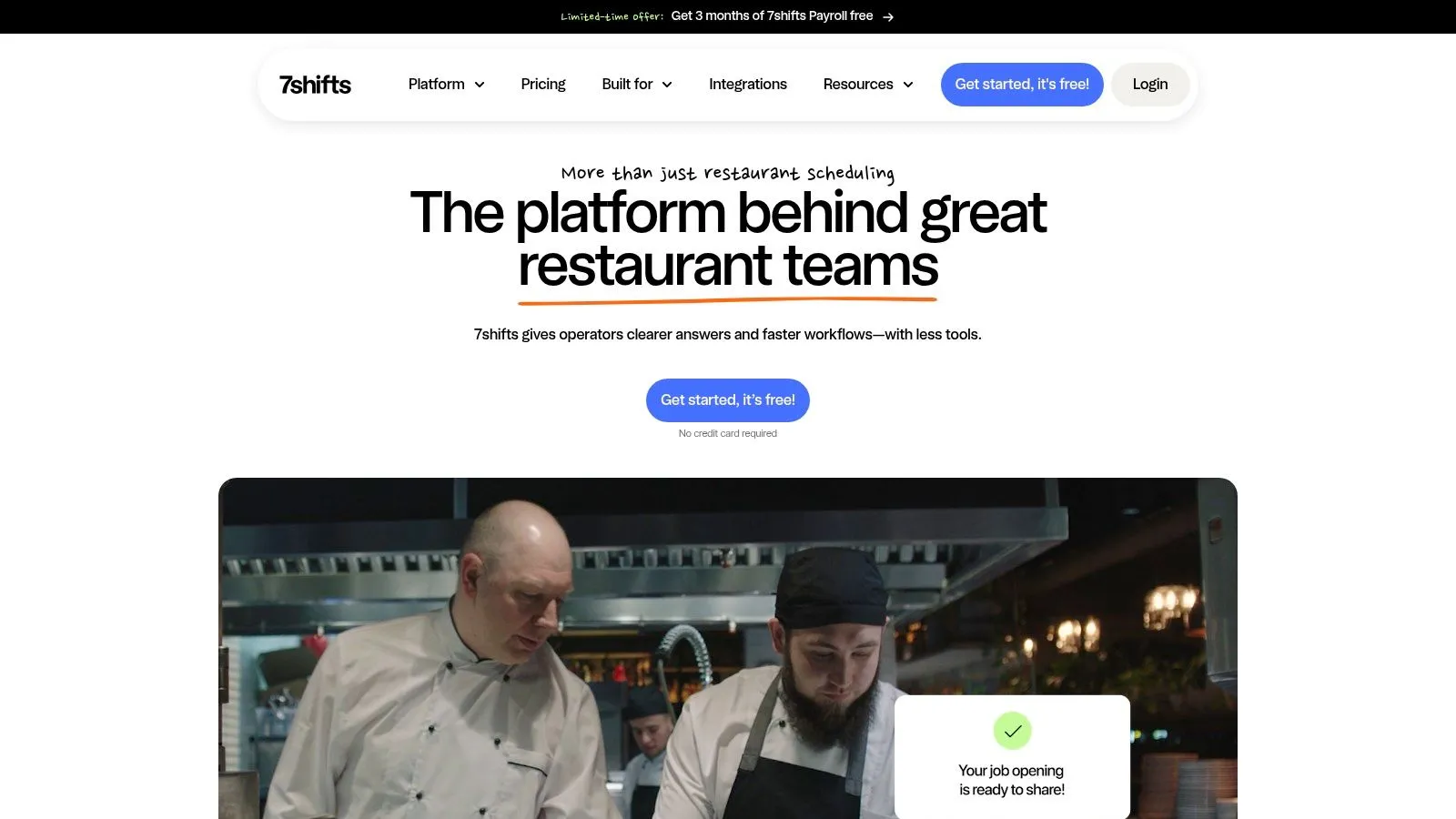
7shifts suits operators who want restaurant-specific workflows beyond schedule publishing. Its scope includes employee scheduling, availability, time-off requests, shift trades, time clocking, communication, labor controls, payroll workflows, and tip-management tools. The platform serves concepts ranging from cafes and bars to quick-service restaurants, franchises, and multi-location groups.
That breadth matters when the scheduling problem doesn't end after publication. A manager may also need to review attendance, resolve a swap, check labor, and prepare tip information without rebuilding employee records across disconnected systems.
Where the broader scope helps
The mobile app gives employees access to schedules and requests. For managers, the practical attraction is having restaurant terminology and related workforce functions in the same product family.
- Scheduling: Test role assignments, availability conflicts, and trades using your actual service positions.
- Tips and payroll: Ask which tools are included and which require another product or subscription.
- Location costs: Compare the full rollout cost, especially if you operate several small sites.
7shifts' restaurant platform changed its plan structure in 2025, so confirm current plan names, integration access, and included features rather than relying on an older comparison.
The trade-off is breadth versus purchasing complexity. Per-location pricing and higher-tier features may be less attractive for a small team that mainly needs coverage automation. Use the AnchOps and 7shifts comparison to examine that operating-model difference before booking demonstrations.
2. Homebase
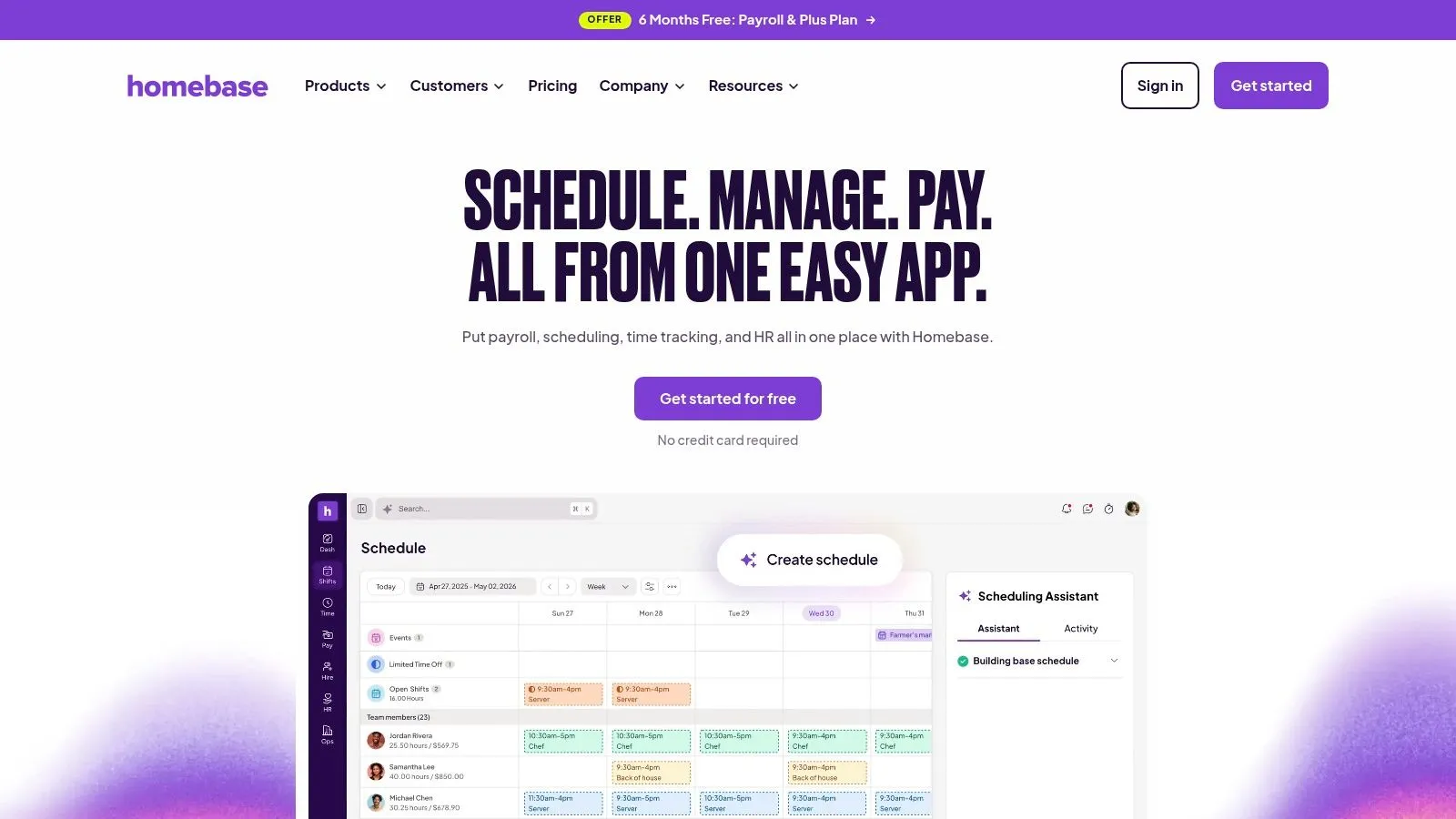
A small restaurant doesn't necessarily need a forecasting-heavy workforce system. Homebase is a practical candidate when scheduling, timekeeping, and team communication are the immediate priorities, with optional payroll and HR services available as requirements expand.
Its location-based pricing approach can suit a busy site with a growing roster. Homebase offers a free Basic plan for a single location and up to 10 employees, while paid plans add capabilities such as advanced scheduling and time-off controls.
The purchasing question is whether the affordable starting point still covers the restaurant's complete operating day. Payroll, additional services, and paid scheduling features can change that calculation.
Practical rule: Evaluate the plan that handles your actual timecards and approval process, not the plan that merely lets you publish a schedule.
During a demonstration, have a supervisor build a schedule, receive a time-off request, replace an absent employee, and review the resulting timecard. Then ask how the POS connection affects sales-based labor reporting and whether your tip workflow is supported.
Homebase's advantage is a manageable starting scope. Its limitation is that advanced sales-driven scheduling or tip calculations shouldn't be assumed from the presence of a POS integration. Confirm exactly what data moves, which subscription enables it, and what managers still need to calculate elsewhere.
3. Deputy
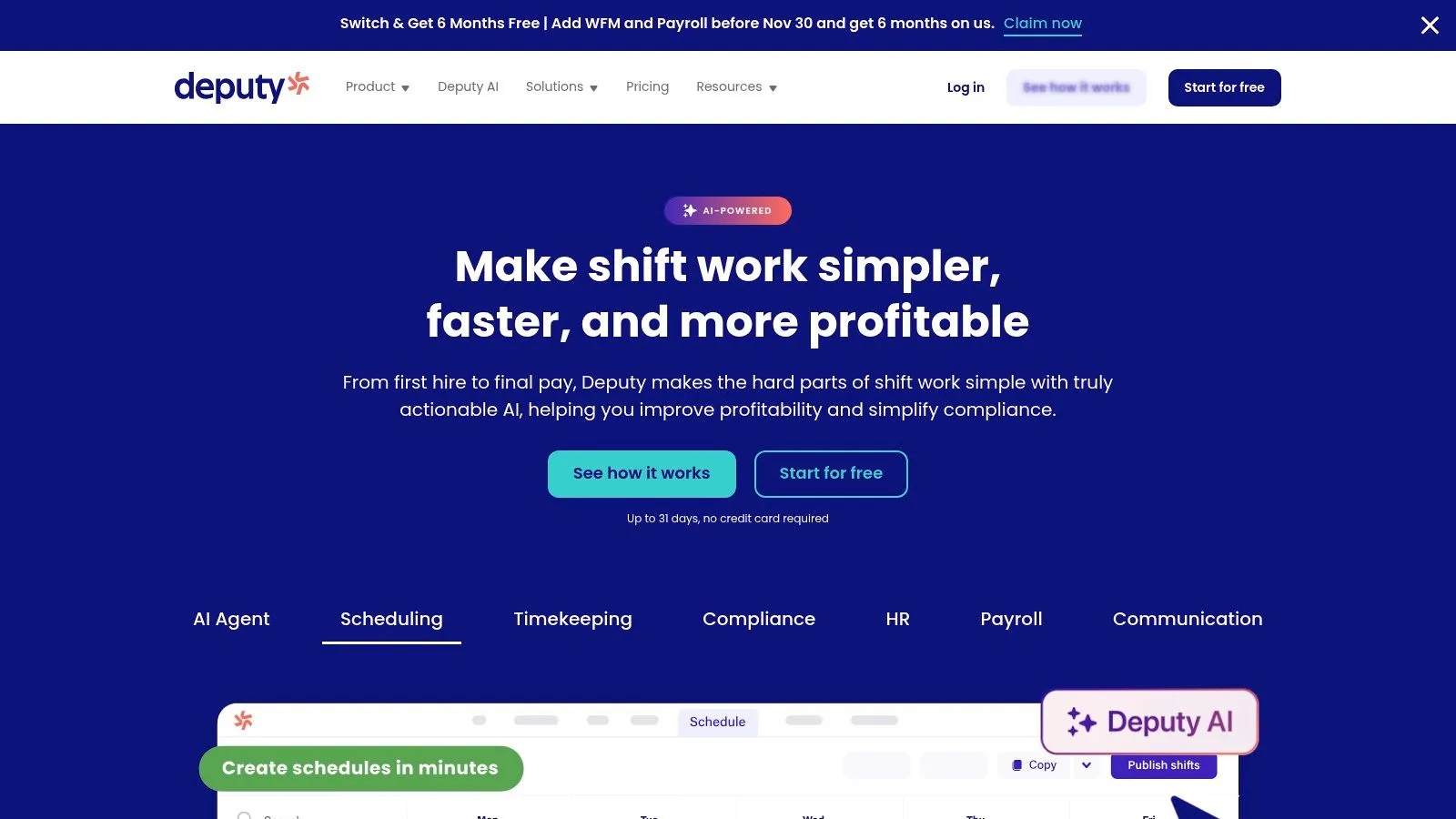
Deputy deserves a closer look when staffing decisions involve multiple locations, demand forecasts, or more complicated labor constraints. Its workforce platform combines scheduling, availability, leave, swaps, replacement requests, time clocks, timesheets, and payroll or HR connections. Eligible plans add auto-scheduling and demand forecasting.
For a restaurant group, that creates a different evaluation than replacing Sling's calendar. The important question becomes whether managers can use demand and labor-budget information to make better assignments before publication.
Test the constraints, not just the draft
Ask the demonstrator to work with an employee who can cover different roles, works across locations, and has limited availability. Review what happens when filling a vacancy would create overtime or conflict with another assignment.
- Forecasting: Confirm which plan includes the demand inputs and optimization tools you need.
- Timekeeping: Follow a corrected punch through approval and payroll handoff.
- Costs: Include active users, required add-ons, and payroll-related services in the comparison.
Deputy's workforce platform publishes plan pricing, which helps with initial budgeting. However, per-user charges can become more significant as the roster expands, and advanced capabilities aren't included in every plan.
Choose Deputy for workforce control, not merely because it offers automation. The setup is only useful if your managers maintain accurate roles, availability, and labor rules. The AnchOps versus Deputy comparison provides another way to assess forecasting-oriented workforce software against a simpler restaurant scheduling model.
4. When I Work
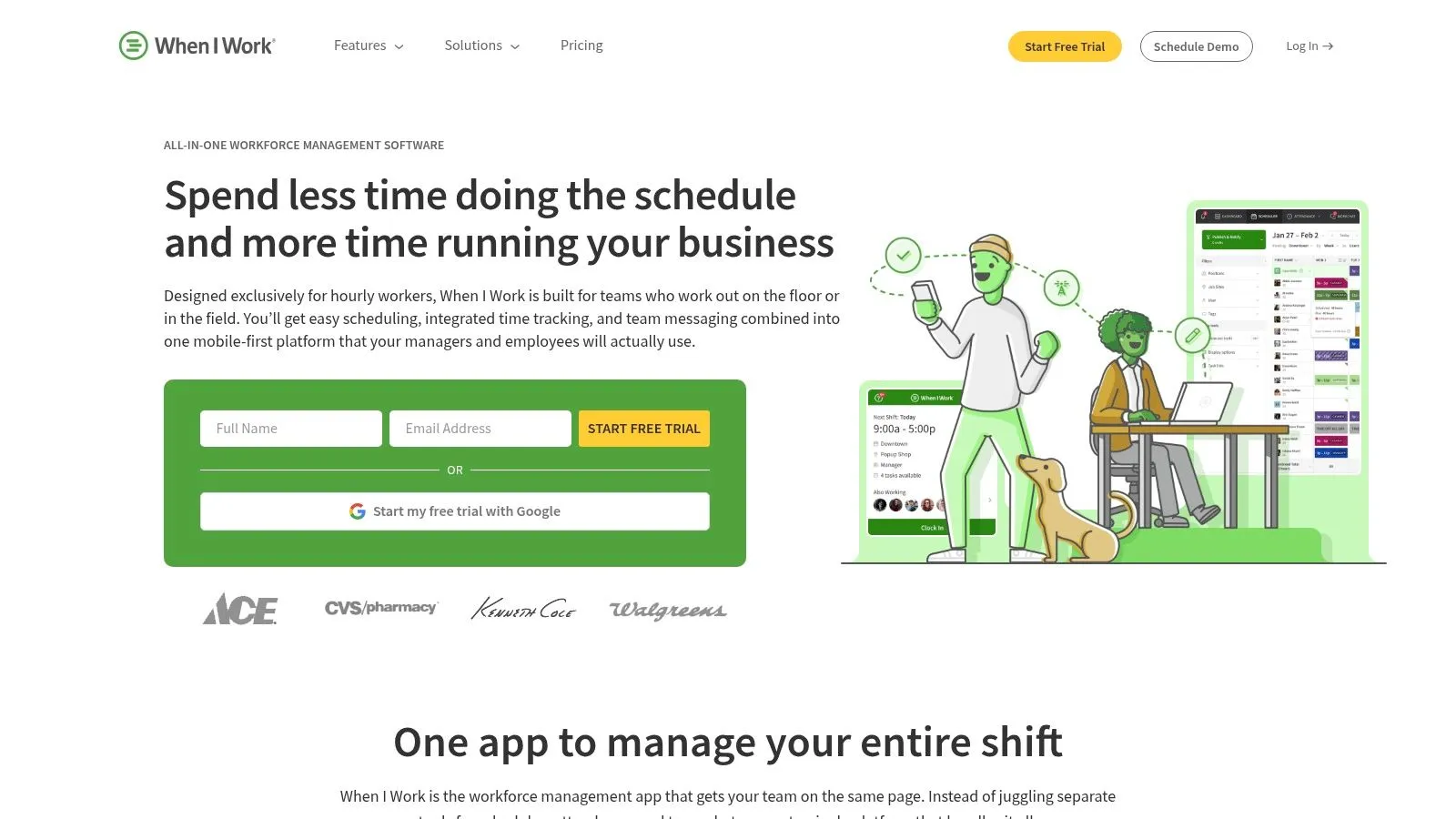
If the recurring problem is employees missing changes or managers chasing replacements, When I Work's scheduling-first approach is worth testing. It combines auto-scheduling and templates with open shifts, swaps, messaging, and multi-week or multi-location scheduling. Time tracking and attendance depend on the chosen configuration.
Its appeal is straightforward: keep schedule access and the conversations surrounding it together. For restaurants that already have dependable payroll and tip processes, replacing those systems may add work without solving the immediate problem.
When I Work publishes entry pricing for single-location teams and offers a 14-day trial. Scheduling and messaging are included in its plans, but the relevant time-tracking configuration should be checked against the headline price.
Run a call-off through the trial
Create an open shift that requires a qualified closer. Have an employee request it, check what the manager must approve, and confirm that everyone sees the final assignment.
That exercise exposes more than a polished schedule-building demonstration. You'll learn whether the team understands ownership of the vacancy and whether the approval process matches your policy.
The main trade-offs are per-user costs and restaurant specialization. Tip management isn't its central focus, so don't assume scheduling and messaging will replace a separate tip workflow. Review the AnchOps and When I Work comparison if connecting coverage, timekeeping, and restaurant data matters more than scheduling alone.
5. Connecteam
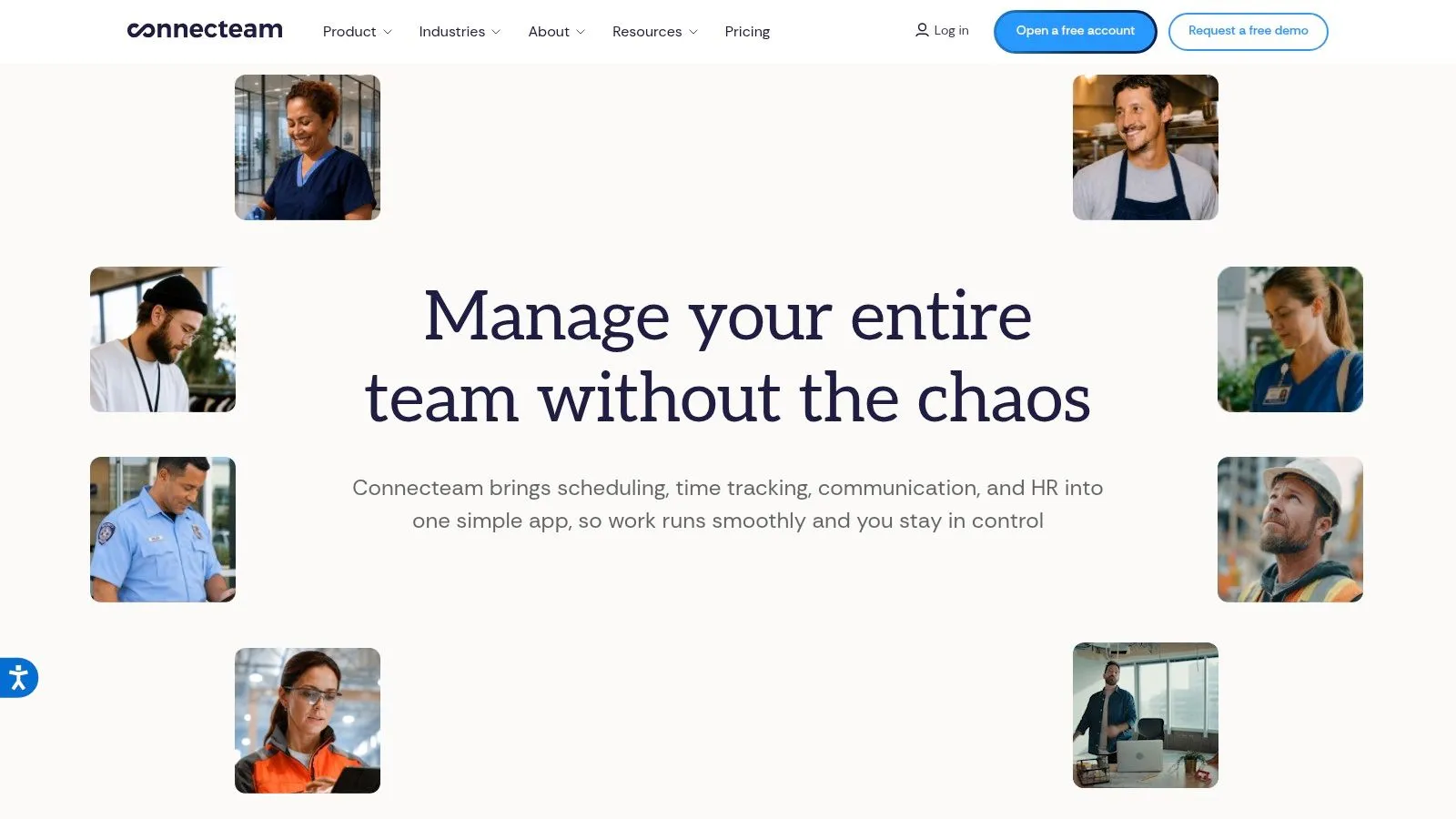
Opening checks, shift assignments, staff messages, and attendance don't always need separate apps. Connecteam is most interesting when the restaurant wants a broader mobile operations workspace, not just a replacement scheduling calendar.
Its capabilities include job scheduling, open shifts, templates, a time clock, payroll integrations, chat, checklists, forms, and task management. Those functions are organized across Operations, Communications, and HR hubs.
Connecteam offers a free small-business option for teams of up to 10 users and publishes Operations plan pricing. The caution is that the hub structure makes a complete cost comparison more involved than reading the scheduling price alone.
- Operations scope: Identify whether checklists and forms will replace existing tools or duplicate them.
- Restaurant data: Verify POS compatibility and the exact handling of sales, labor, and tips.
- Manager access: Confirm which supervisors can edit schedules, review punches, and manage operational tasks.
Broad functionality is useful only when staff can use it during a shift. Have a supervisor find an open shift, complete a closing form, and correct a time entry from the mobile interface.
Connecteam's general-purpose design may suit a mixed operation with restaurant, retail, or field-based teams. A restaurant primarily looking for sales-aware scheduling and tip calculations should examine those workflows closely rather than treating the breadth of the platform as proof of restaurant fit.
6. Restaurant365 Workforce
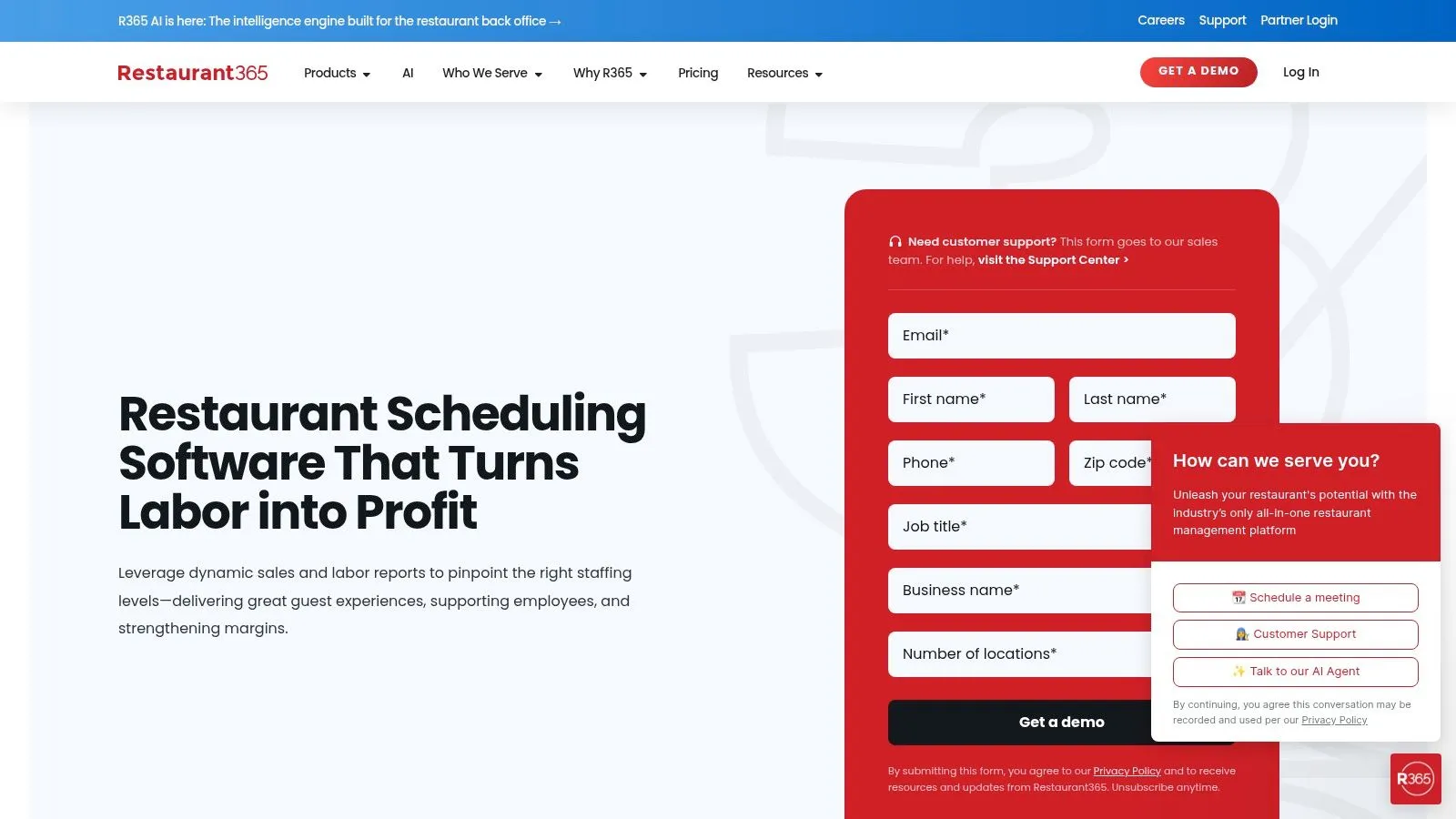
Restaurant365 Workforce is a stronger candidate when labor decisions need to connect with broader restaurant financial operations. It combines forecast-aware scheduling, labor-cost visibility, time and attendance, overtime and compliance alerts, and payroll-related workflows.
Employees can use mobile workflows for availability, requests, and swaps. For managers, the more important distinction is the connection between staffing plans, sales data, and restaurant reporting.
Decide whether you need the wider system
A growing group may want to compare labor across locations and connect operational decisions to financial reporting. An independent restaurant with dependable accounting and payroll processes may find that scope unnecessary.
Restaurant365 Workforce generally requires a demonstration or quote to establish pricing and implementation scope. Confirm included modules, POS connections, data responsibilities, and who will maintain the configuration after launch.
A forecast is only actionable when the manager can see the staffing decision it should change.
During evaluation, ask the team to show an ordinary adjustment: sales are softer than expected, scheduled labor is above target, and the manager needs to respond. Follow that decision through actual hours and reporting rather than stopping at the forecast screen.
The benefit is connected restaurant management. The cost is a broader implementation commitment. Choose it when the organization wants that wider relationship between labor and financial operations, not when the only unresolved task is distributing next week's shifts.
7. HotSchedules by Fourth
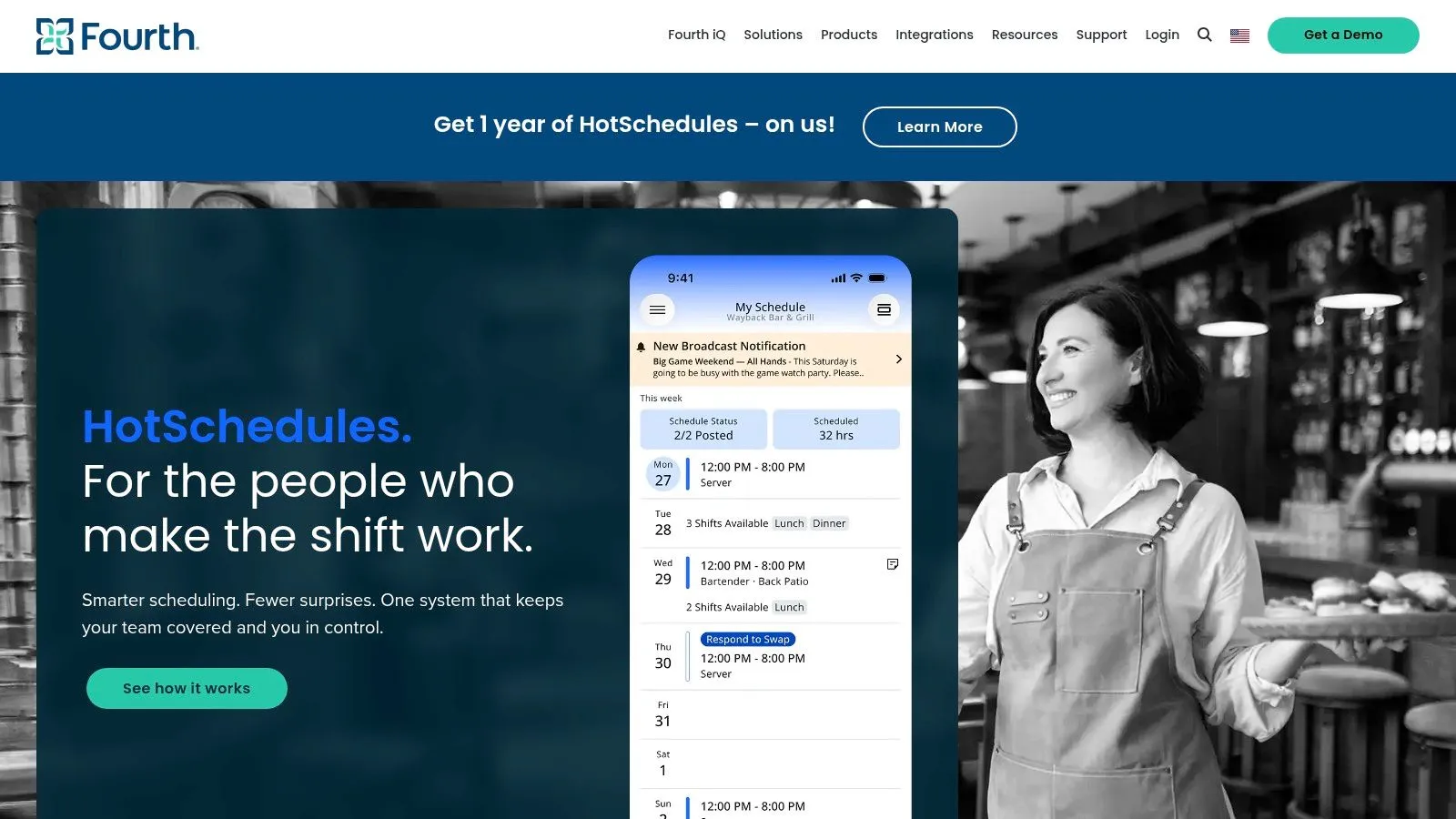
For a restaurant group with deeper demand-planning requirements, HotSchedules by Fourth belongs on the shortlist. Its hospitality focus includes schedule publication, swaps, shift pickup, time-off requests, mobile workflows, and labor and sales data for planning.
The connection to Fourth's wider workforce and hospitality products may matter when scheduling is part of a broader operating system. It matters less when a small team needs employees to see shifts and request changes.
- Planning depth: Ask how sales and labor data inform the schedule managers publish.
- Employee workflow: Test shift pickup, request approval, and the visibility of subsequent changes.
- Commercial scope: Request written details covering app fees, integrations, implementation, and included products.
Fourth's hospitality platform doesn't provide transparent pricing in the product information available for this comparison. That makes a scoped proposal important before comparing its cost with a self-service scheduler.
Make location differences visible
Have the demonstration include locations with different roles and approval practices. Ask who controls shared settings and what local managers can change without central approval.
HotSchedules makes more sense when the group can use its hospitality planning depth. Evaluation may be more involved than an independent restaurant needs, so define the operational problem before entering a broad platform discussion. Otherwise, it's easy to purchase capabilities that supervisors won't use during service.
8. Push Operations
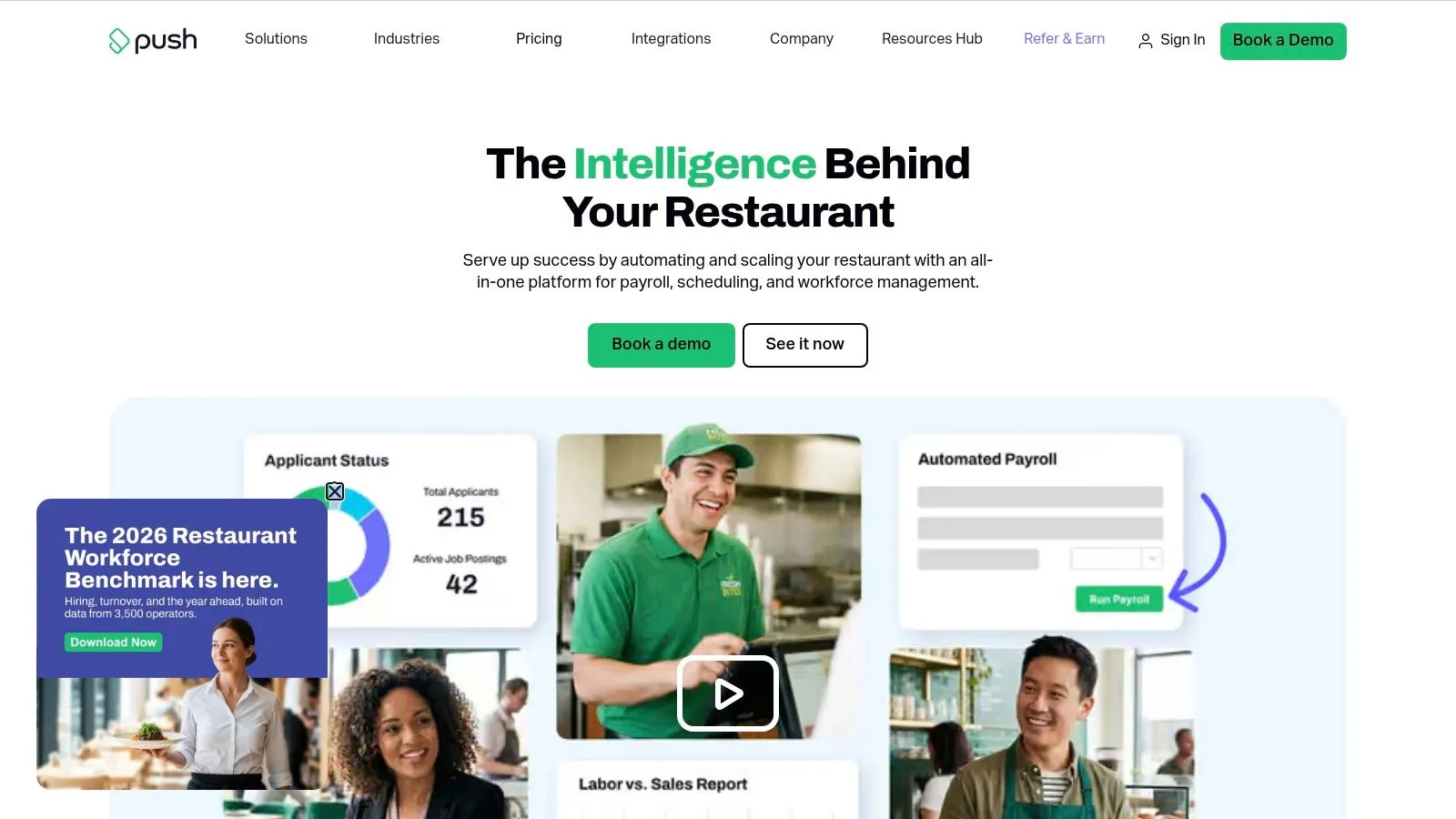
Push Operations offers restaurant scheduling alongside related employee-management products. Its scope includes time and payroll-related services, with optional HR, employee-engagement tools, business-intelligence dashboards, alerts, and multi-location visibility.
That modular approach can work for an operator who wants scheduling now and additional workforce functions later. The drawback is that the final purchase depends on the selected products rather than the scheduling label alone.
Push Operations publishes a U.S. starting price, but minimum billing applies below five employees, and businesses with more than 50 employees need a quote. Headcount, selected products, and add-ons determine the relevant total.
Follow the handoff to payroll
Start with an employee who works different positions, changes a shift, and needs a punch correction. Ask how the approved hours reach payroll and which exceptions require manual attention.
Then examine optional reporting. A dashboard is useful when a manager can identify the location, shift, or approval causing a problem, not merely view a combined labor total.
Push's restaurant orientation is a meaningful advantage, especially when scheduling and payroll administration need closer coordination. Still, confirm POS data flows and tip handling separately; a workforce product shouldn't be assumed to cover every restaurant calculation.
For a small independent operation, resist buying optional modules because they're available. For a group, establish common approval and export practices before adding more reporting layers.
9. Square Shifts
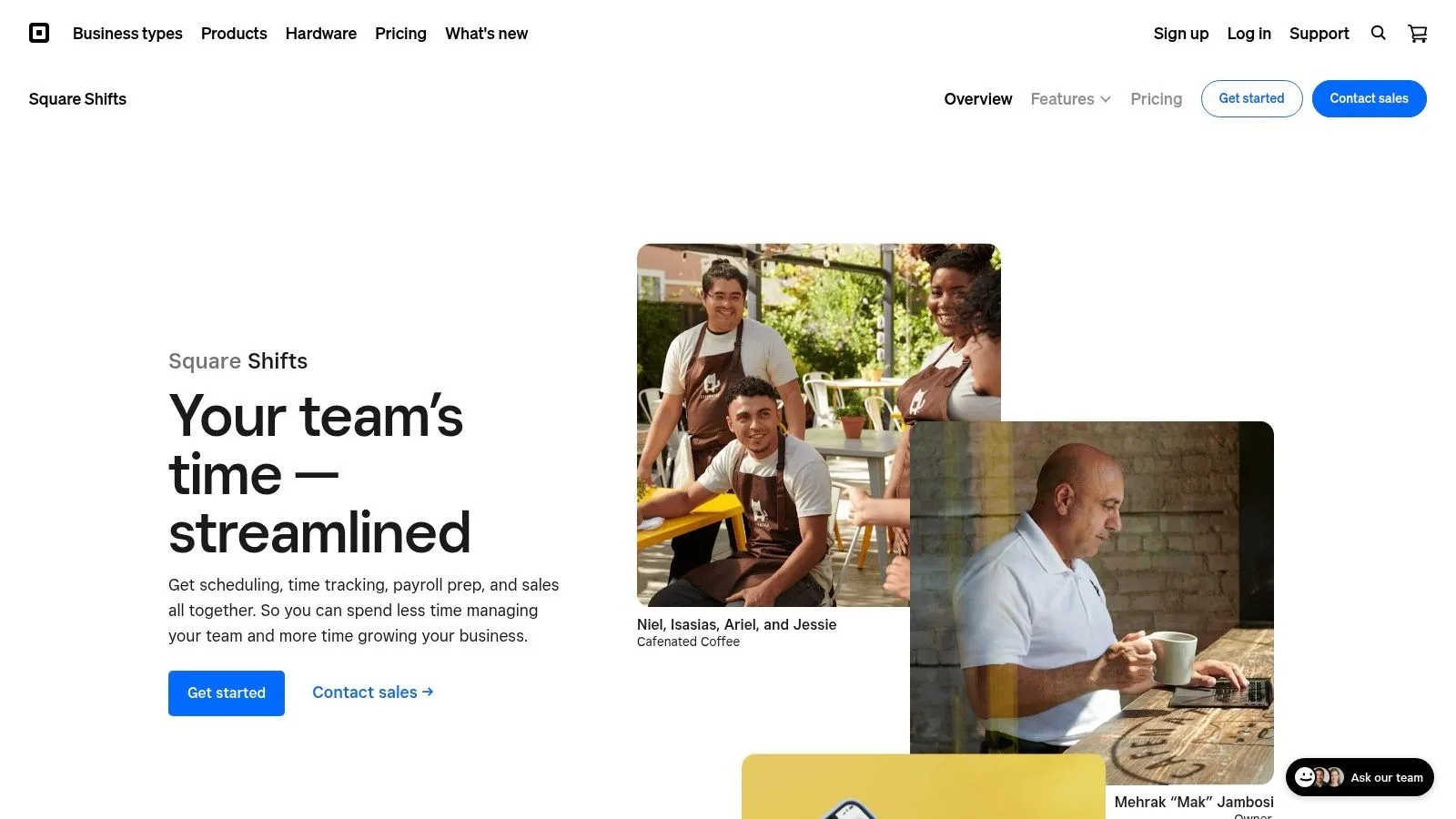
Start with Square Shifts when the restaurant already runs on Square. Its main appeal is keeping schedule management and timekeeping close to existing POS and staff workflows, rather than introducing another disconnected application.
Through Square Shifts, operators can manage schedules, availability, shift trades, open shifts, employee schedule access, timecards, and labor reporting. Feature access depends on the plan or subscription, so verify current U.S. pricing and tip capabilities directly.
- Existing setup: Check whether employee records and permissions match how the restaurant assigns work.
- Timecards: Test edits, approvals, and the reporting used before payroll.
- Tips: Confirm the precise calculation and distribution workflow rather than assuming POS proximity covers it.
Buying test: An integrated option should remove a handoff, not merely place another screen inside the same ecosystem.
Square Shifts is less compelling for a restaurant using another POS. In that situation, evaluate the scheduling product on its own merits and account for any additional data reconciliation.
For existing Square customers, though, reducing tool switching can be a sensible operational goal. Ask a supervisor to publish a schedule, process a trade, review actual hours, and find labor reporting without assistance.
Choose it for workflow continuity, provided the relevant subscription covers your needs. Don't change a functioning POS arrangement solely to simplify the scheduling purchase.
10. PARiM
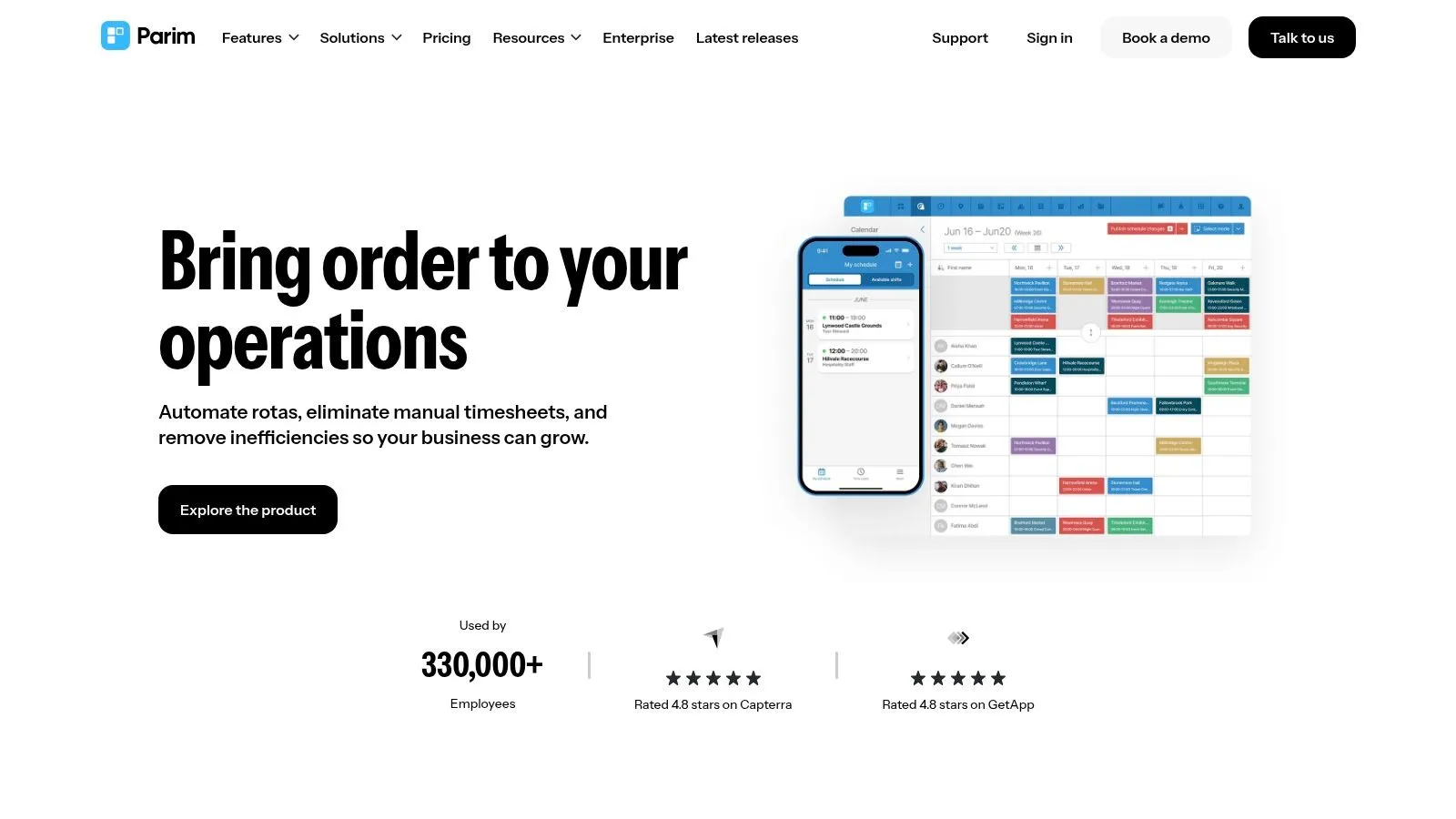
A restaurant business that also staffs events, catering venues, or changing job sites may need a different scheduling structure. PARiM is worth considering when roles and work locations are central to assigning coverage.
Its shift-management tools include schedule templates, patterns, open shifts matched to employee roles and locations, mobile time clocking, attendance tracking, timesheet exports, and multi-site scheduling. That broader industry focus distinguishes it from restaurant-first products.
PARiM offers demo access and a free staff database. Pricing isn't clearly stated in the product information available for this comparison, so request a proposal covering the actual scheduling and attendance functions you need.
Test a location change
Have a qualified employee cover a shift at a different site. Check whether the assignment, attendance record, manager visibility, and timesheet export preserve the correct location and role.
That exercise is especially useful for catering and event work. It also exposes whether the platform's organizational model matches your business or would force managers to maintain unnecessary job-site detail.
PARiM's strength is multi-site shift organization, not restaurant-specific depth. Verify payroll exports, POS integration, and tip workflows independently rather than assuming they follow from attendance tracking.
For a conventional restaurant primarily struggling with dinner-service call-offs, a restaurant-focused alternative may require less adaptation. For teams moving across venues and client locations, PARiM's structure deserves a closer demonstration.
Top 10 Sling Alternatives Compared
| Platform | Core capabilities | Standout differentiator | Best fit | Pricing / value |
|---|---|---|---|---|
| AnchOps | Scheduling, shift coverage, timekeeping, labor projections, reliability scores, and Toast tip calculations | ✨ Adjustable automation; Toast tip pools use real sales data | 👥 Restaurants seeking automated staffing and Toast workflows | 💰 $59.99/location; unlimited employees |
| 7shifts | Restaurant scheduling, time clocks, labor controls, payroll workflows, and tip tools | ✨ Broad restaurant-focused workforce features | 👥 Cafes, bars, restaurants, franchises, and multi-location teams | 💰 Per-location pricing; check current tiers and add-ons |
| Homebase | Scheduling, time tracking, communication, POS integrations, and optional payroll | ✨ Free Basic plan for one location and up to 10 employees | 👥 Small and midsize hourly teams | 💰 Free entry plan; paid features and services may add cost |
| Deputy | Scheduling, attendance, timesheets, compliance, and labor controls | ✨ Forecasting and labor optimization on eligible plans | 👥 Multi-location teams and operators with complex labor rules | 💰 Per-user pricing; advanced features may cost extra |
| When I Work | Scheduling, open shifts, swaps, messaging, and configurable time tracking | ✨ Scheduling-first tools with a 14-day trial | 👥 Shift-based teams wanting straightforward scheduling | 💰 Transparent entry pricing; per-user costs can grow |
| Connecteam | Scheduling, time clock, chat, checklists, forms, and task management | ✨ Multiple workforce hubs in one platform | 👥 Hourly teams needing broader mobile operations tools | 💰 Free option for up to 10 users; compare hub and plan costs |
| Restaurant365 Workforce | Forecast-aware scheduling, attendance, labor visibility, and payroll-related workflows | ✨ Connects labor decisions with restaurant financial operations | 👥 Growing and multi-location restaurant operators | 💰 Quote-led; confirm modules and implementation scope |
| HotSchedules by Fourth | Hospitality scheduling, shift swaps, time-off requests, and labor planning | ✨ Hospitality focus and broader Fourth platform connections | 👥 Larger restaurant groups with deeper planning needs | 💰 Pricing not listed; confirm app fees and implementation |
| Push Operations | Restaurant scheduling, workforce management, and optional payroll, HR, and BI tools | ✨ Modular restaurant-oriented platform | 👥 Restaurants choosing workforce add-ons as needed | 💰 Published U.S. starting price; cost varies by headcount and modules |
| Square Shifts | Scheduling, availability, shift trades, timecards, and labor reporting | ✨ Fits into Square POS and staff workflows | 👥 Businesses already using Square | 💰 Confirm current plan pricing and feature access |
| PARiM | Multi-site scheduling, open shifts, time tracking, attendance, and timesheet exports | ✨ Role- and location-based shift matching | 👥 Teams scheduling across sites, events, or client locations | 💰 Pricing not clearly stated; demo access and free staff database available |
Choose for the Shift You Manage
Choose the platform that removes your most expensive operational handoff. If managers can publish schedules easily but still rebuild timecards and tips elsewhere, a better calendar won't address the underlying workload. If payroll already runs cleanly and call-offs cause the disruption, prioritize coverage and employee communication.
Choose 7shifts for restaurant breadth, particularly when scheduling, tips, communication, and workforce administration belong in the same evaluation. Choose Homebase for small-team simplicity when the immediate requirements are scheduling, timekeeping, and common hourly-team workflows. For forecasting-heavy operations, compare Deputy and Restaurant365 with real demand data and location rules. Choose Square Shifts when the POS is already Square, provided its subscription and tip workflows match the restaurant's requirements.
- A dedicated scheduler is enough when payroll, POS reporting, and tip handling already work reliably.
- A broader workforce platform makes sense when managers need shared forecasting, compliance controls, payroll workflows, or multi-location reporting.
- A simpler operating model is preferable when the business needs connected execution without maintaining a collection of feature tiers and add-ons.
Compliance deserves its own demonstration. A restaurant scheduling comparison covering compliance gaps warns that scheduling tools don't all track Fair Workweek-style requirements natively. Ask vendors to show publication records, acknowledgments, late changes, rest-period exceptions, and manager overrides for each relevant location.
Run the same scrutiny on automated assignments. Availability, qualifications, and attendance history shouldn't become a black box that employees can't understand or challenge. Establish a manager review process for disputed records and check how undesirable shifts are distributed.
AnchOps offers another operating model for restaurants that want automated draft schedules, targeted open-shift coverage, built-in timekeeping, labor projections, and Toast-based tip calculations. Its flat pricing is $59.99 per location with unlimited employees, without per-seat charges or feature tiers. Adjustable autonomy lets a location retain approval before publication or allow more automated scheduling. Visit the AnchOps site to evaluate those workflows against your restaurant's schedule, approval process, and payroll handoff.
Before deciding, run the complete workflow using a real week of your own shifts: schedule, fill, publish, clock, approve, and export. Include a call-off, a swap, a corrected punch, and the tip process your payroll administrator uses. Have both a supervisor and an employee complete their parts, then compare manual edits, unresolved exceptions, and the clarity of the final records.
Your back-of-house partner is ready
AnchOps handles scheduling, tip calculations, labor costs, and timecards — so you can focus on your restaurant, not your paperwork.