Better Side Work Restaurant Tasks: A Manager's Guide
Published on
By Tony Newcome — Founder of AnchOps · Owner, Pizza Harbour
This article was drafted with AI assistance and reviewed by Tony Newcome, a working restaurant operator.
The side work that actually drains restaurant managers isn't silverware and caddies — it's the admin layer after close: tip pool calculations, daily labor cost tracking, schedule building, timecard review, and staff communication. This guide tackles that manager's side work, including the compliance weight that comes with the federal $2.13 tipped cash wage and duty classification.
That hidden layer matters more than most operators admit. Side work in restaurants has always had compliance weight because tipped employees can be paid a cash wage as low as $2.13 per hour under the federal tipped-minimum-wage system, so long as tips make up the difference to the federal minimum wage, and duty classification can affect whether time is paid at the tipped rate or full minimum wage, as outlined in this overview of tipped side work rules. On the operating side, side work is also a real workflow, not a vague expectation. Industry guidance treats it as pre-shift, in-shift, and closing work assigned by shift and station, which is why digital checklists and scheduling tools now show up in practical guidance for restaurant teams in this server duties and side work guide.
If you're trying to get out of spreadsheet jail and back onto the floor, this is the side work article you need. It focuses on the manager's version of side work. The admin load that controls payroll accuracy, labor performance, and your ability to run a sane shift. If you want a cleaner operating system for all of that, Redstone HR's food service platform is one example of the kind of infrastructure operators now look for.
Table of Contents
- 1. Tip Pool Calculations and Distribution
- Where tip math usually breaks
- What works in real operations
- 2. Daily Labor Cost Forecasting and Budget Tracking
- Forecast before the shift starts
- What to watch during service
- 3. Schedule Building and Shift Coverage Management
- A good schedule solves tomorrow's problems today
- Coverage rules that save managers time
- 4. Timecard Review and Approval Workflow
- Clean timecards beat heroic payroll fixes
- Build one approval rhythm
- 5. Staff Communication and Shift Notifications
- One channel or chaos
- Send less, make it clearer
- 6. Overtime Management and Compliance Tracking
- Overtime is usually scheduled, not accidental
- Compliance gets harder when side work is vague
- 7. Weekly Labor Analytics and Performance Reporting
- Reports should answer manager questions fast
- Use reports to coach, not just archive
- 8. Delivery and Third-Party Order Staffing Allocation
- Delivery labor is not the same as dine-in labor
- Protect the dining room when delivery surges
- Restaurant Side Work: 8-Point Comparison
- Stop Doing Side Work, Start Running Your Shift
1. Tip Pool Calculations and Distribution
Every operator thinks tip math is simple until the exceptions start piling up. Cash tips, card tips, online orders, split shifts, a bartender who covered expo for an hour, a host who clocked in late, and one wrong job code. That's where side work restaurant systems either protect trust or destroy it.
The hardest part isn't the math itself. It's getting the rules clear enough that the math can run cleanly. If your policy lives in a manager's head, you'll get a different result depending on who closes.
Where tip math usually breaks
A full-service house might pool tips across servers, bartenders, bussers, and hosts. A delivery-heavy concept may need separate handling for drivers and in-house staff. A multi-unit group often has one written policy and five different real-life versions because each location has added its own workaround over time.
That's why I'd document the exact policy before you automate anything. Spell out eligibility, timing, treatment of voids, what happens on shared shifts, and how you handle edge cases.
To tighten the process, use a short rollout:
- Write the policy first: Define who participates, what revenue sources count, and when manual overrides are allowed.
- Run a parallel test week: Compare manual closeout numbers against system-generated numbers before you rely on automation.
- Train the team on the logic: Staff don't need the formula, but they do need to understand why their number is their number.
For operators who still calculate by hand, this practical guide on how to calculate tip pooling is a good starting point.
Here's a useful demo if you're trying to visualize how digital tip handling can replace end-of-night spreadsheet work.
What works in real operations
Federal tip-credit compliance is one reason this matters operationally, not just culturally. Under the federal 80/20 tip rule, if a tipped employee spends more than 20% of the workweek on non-tip-producing supporting tasks, the employer may need to pay full federal minimum wage for that time, which is why this side work compliance explanation emphasizes job codes and timekeeping controls.
Practical rule: If you can't explain a tip-out result in under a minute, the process is too messy to scale.
What doesn't work is hiding complexity under “we'll fix it later.” Later usually means a payroll dispute, a resentful closer, or a manager burning closing time on detective work. Clean inputs beat heroic reconciliation every time.
2. Daily Labor Cost Forecasting and Budget Tracking
Most labor problems aren't created in payroll. They're created when a schedule gets published without a real sales view behind it, then gets ignored once service starts. You don't need perfect forecasting. You need a forecast strong enough to catch obvious mistakes early.
This matters at scale. The National Restaurant Association projects U.S. restaurant sales at $1.55T in 2026, and New York City alone had 23,650 restaurant establishments and 317,800 jobs in 2019, according to this New York City restaurant industry report. In a business that large, small labor misses repeated every shift turn into serious cost.
Forecast before the shift starts
Good forecasting starts before managers walk in for lineup. Build from your own history, not wishful thinking. If Friday lunch has needed two cashiers, one food runner, and a stronger prep hand for months, don't publish a bare-bones schedule because one slow Tuesday made you nervous.
I like a simple management habit here. Check the labor forecast far enough ahead that you still have options. If the only moment you review labor is after people are already clocked in, you're not forecasting. You're reacting.
A sales-driven schedule framework helps. This guide to restaurant sales forecasting is useful if you're trying to tie labor planning to expected revenue instead of gut feel. For a finance-side lens, these financial insights for growing businesses are helpful for thinking about actuals versus budget without turning the restaurant into an accounting seminar.
What to watch during service
Forecasting isn't just pre-shift work. Mid-shift is where operators either protect the plan or let labor drift. If the patio doesn't fill, cut early. If online orders spike, move someone before the kitchen jams. If service is dragging, don't blindly cut labor and make the guest experience worse.
The best labor forecast is the one your managers will actually use during a live shift.
What doesn't work is chasing a single labor number while ignoring station reality. A dining room can look overstaffed on paper and still be under-covered in the one position that's slowing the whole shift.
3. Schedule Building and Shift Coverage Management
A weak schedule creates work all week. A strong one prevents it. That sounds obvious, but plenty of managers still build schedules as if availability, station skill, and sales patterns are separate problems.
They aren't. They're one operating system. When the schedule is wrong, you pay for it with overtime, call-outs, guest delays, and your own phone blowing up on your day off.
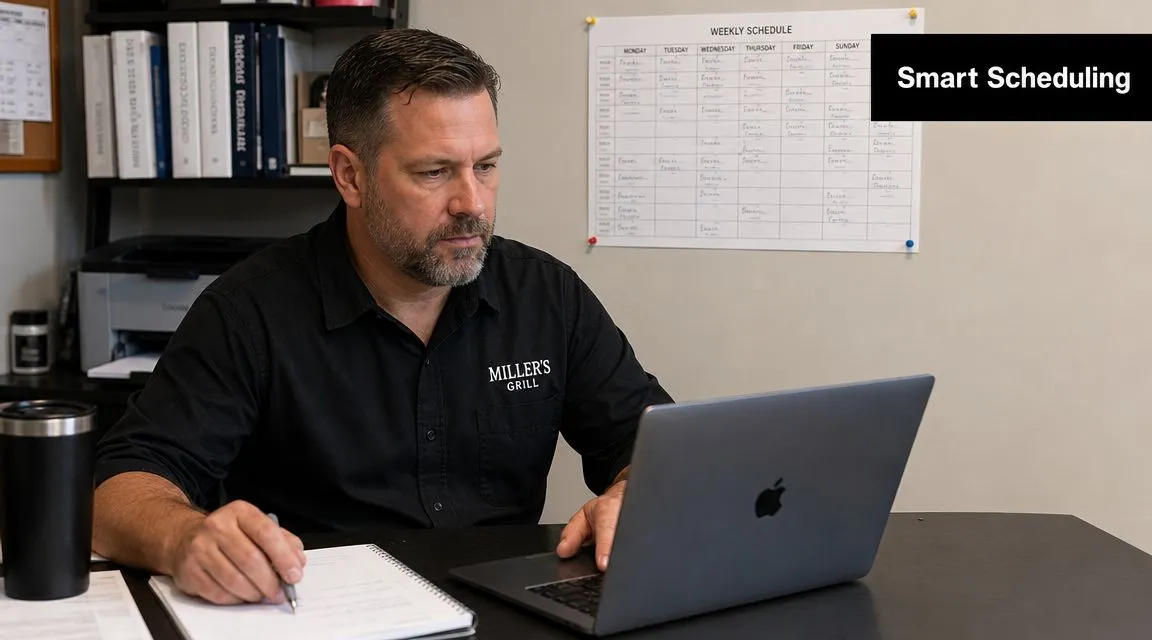
A good schedule solves tomorrow's problems today
The best schedules are boring. They reflect your real demand pattern, your known staffing gaps, and your best guess about upcoming pressure points. They don't rely on heroics.
I'd start with a repeatable base schedule, then adjust from there. Use your strongest openers where the shift needs stability. Put newer staff where training support is available. Don't stack weak closers and hope checklists save you.
If you need a cleaner framework, this walkthrough on how to create a staff schedule covers the fundamentals well.
Coverage rules that save managers time
Coverage management breaks down when every swap becomes a private negotiation. One employee texts the shift lead, another posts in a group chat, somebody else tells a coworker in person, and by the time the shift starts nobody knows what's official.
Set rules that are boring and strict:
- One approval path: A shift isn't covered until a manager approves it in the system.
- One source of truth: The published schedule is the live schedule. Screenshots and text threads don't count.
- One cutoff rule: Last-minute releases need manager review, not informal trades.
What I've seen work: Staff will use the system you enforce, even if they complain for a week or two. They'll ignore the system you treat as optional forever.
What doesn't work is publishing late and expecting calm. Late schedules create fake emergencies because employees can't plan, and managers end up solving preventable coverage gaps.
4. Timecard Review and Approval Workflow
Timecard review feels administrative until payroll is wrong. Then it becomes urgent, personal, and expensive. Most of the pain comes from inconsistency. Different managers fix missed punches differently, overtime gets noticed too late, and no one can explain why one correction was approved and another wasn't.
The cleaner approach is simple. Review timecards on a fixed rhythm, inside one workflow, with the same correction rules every week.
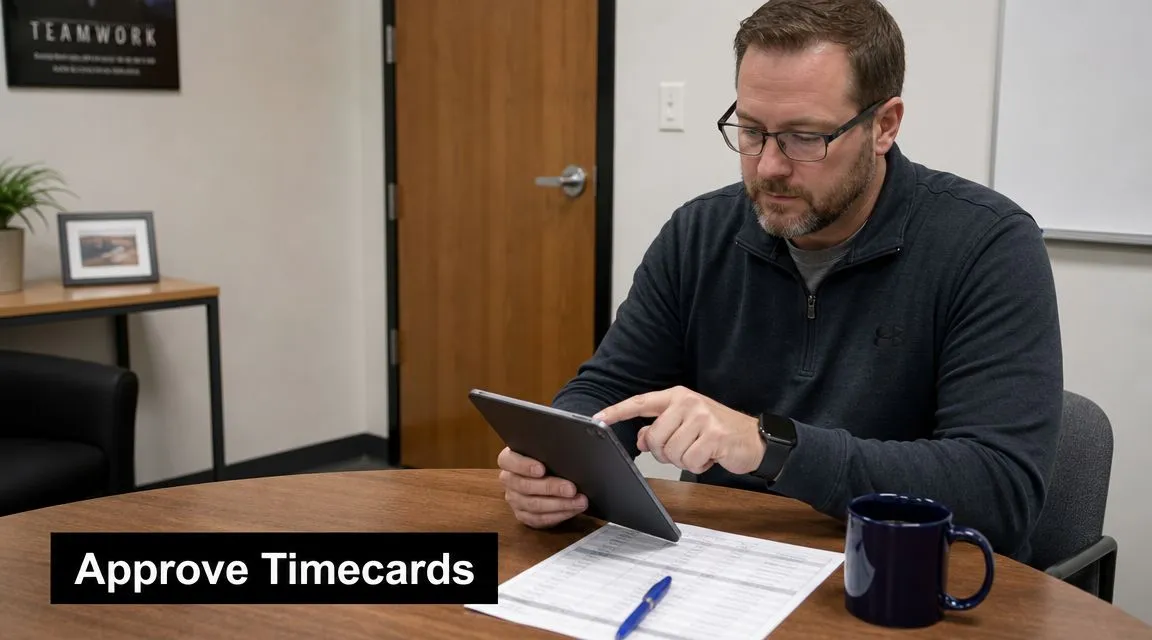
Clean timecards beat heroic payroll fixes
A missed clock-out isn't just a clerical error. It can hide an overtime issue, distort labor reporting, or trigger a payroll correction that eats manager time later. When you review timecards close to when the shift happened, the facts are still fresh and staff can answer questions quickly.
This is where restaurant-specific workflows matter. A split shift, a staged training shift, a no-show replaced at the last minute, or a bartender covering service support all need notes that survive past the current manager.
I'd keep a standard correction policy for a few recurring issues:
- Missed punch-outs: Require same-day manager note when possible.
- Unauthorized overtime: Pay it if worked, then coach or discipline separately based on policy.
- Role changes during shift: Use the right job code so wage treatment and reporting stay clean.
Build one approval rhythm
The review process shouldn't depend on memory. Pick a day and time. Make each manager responsible for their own team first. Escalate only the exceptions that need broader review.
What doesn't work is letting HR or ownership clean up location-level mess after the fact. The closing manager knows why the dishwasher stayed late. Payroll usually doesn't.
Payroll errors often start as operations errors. Fix the operation first.
A strong timecard workflow also makes coaching easier. If one employee forgets punches constantly, that's not random noise. It's a training issue you can see because the process is visible.
5. Staff Communication and Shift Notifications
A lot of side work restaurant chaos is really communication failure wearing an operations costume. The schedule changed, but one person didn't see it. The prep note got buried in a group text. The closing reminder went out, but after three non-urgent messages, nobody read it.
Managers create this problem more often than they think. If your communication lives across text threads, paper notes, DMs, and verbal handoffs, you don't have a communication system. You have a scavenger hunt.
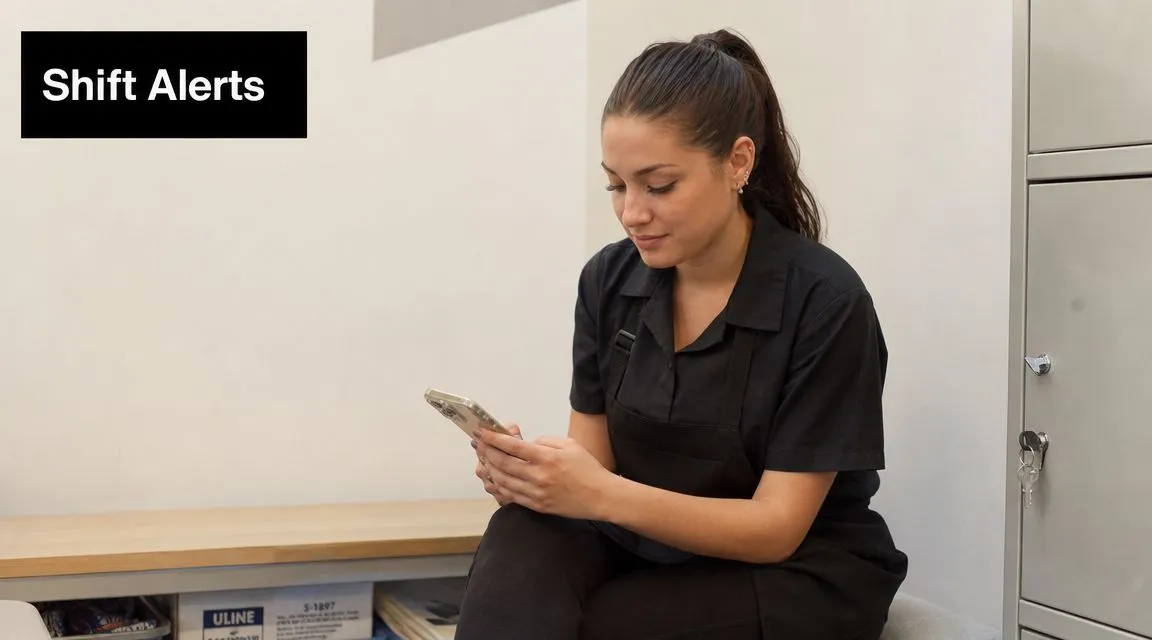
One channel or chaos
Pick one official channel for schedule updates and shift notices. Then enforce it. If employees know they can still rely on group texts or “my coworker told me,” they'll never fully adopt the official process.
This doesn't mean every message needs to be formal. It means every message that affects attendance, readiness, or execution has to live in the same place.
A strong message usually does three things well:
- States the action: “Clock in at patio station” is better than “We're a little short outside.”
- States the timing: Tell people when the change applies.
- States who it affects: Don't blast the whole staff if only closers need the update.
Send less, make it clearer
Operators often over-message because they don't trust the team to read. That creates the exact problem they're trying to avoid. If every update feels urgent, nothing feels urgent.
Keep shift-critical notes short. Send them early enough to matter. Use read receipts only for important items, not every memo and reminder.
Clear beats frequent. Specific beats loud.
What doesn't work is writing a paragraph when a sentence would do. “Saturday brunch patio setup starts at open, not at first rush” gets read. A rambling mini-essay about team accountability usually doesn't.
6. Overtime Management and Compliance Tracking
Overtime usually shows up in payroll reports, but the decision that caused it happened earlier. It happened when a manager published the schedule with one too many long shifts, left a known gap uncovered, or kept leaning on the same reliable people because they were easy to call.
That's why overtime control starts in scheduling, not after the week closes. You need visibility before the hours are worked, not just after they're paid.
Overtime is usually scheduled, not accidental
Many restaurants treat overtime like weather. It isn't. It's often a pattern. The same dayparts run long. The same managers approve stay-lates. The same employees become default coverage for every hole.
Build overtime review into schedule publishing. If one employee is creeping toward extra hours because they're your strongest closer, that's a staffing design issue. If a prep cook always runs over because par levels are unrealistic, that's a production issue.
A few practical controls help:
- Pre-approve or flag: Don't leave overtime decisions vague.
- Spread hours intentionally: Cross-train enough staff that one absence doesn't dump extra time onto the same person.
- Document business reasons: Emergencies happen. Write down why the extra time was needed.
Compliance gets harder when side work is vague
Side work and wage compliance overlap more than many operators realize. The legal framework around tipped work has evolved over time, and the widely cited 80/20 interpretation means tipped workers should not spend more than 20% of their week on non-tipped duties, which would mean no more than 8 hours of side work in a 40-hour week before higher wage obligations may apply, as discussed earlier in the tipped side-work rules overview.
That matters because overtime review isn't only about total hours. It's also about what kind of work happened during those hours. If employees bounce between tip-producing work, directly supporting work, and unrelated side duties without clean coding or clear assignment, compliance gets harder fast.
What doesn't work is treating all clocked time as interchangeable. In restaurants, job code discipline is part of labor control.
7. Weekly Labor Analytics and Performance Reporting
A weekly labor report should answer the questions a manager will ask anyway. Why was labor up. Which shifts ran hot. Who hit overtime. Did tip-outs look normal. Which location is slipping. If the report can't answer those quickly, it becomes archive material instead of a management tool.
Restaurant labor decisions affect a very large workforce. The U.S. Bureau of Labor Statistics reported that food services and drinking places employed about 12.4 million workers in April 2026, as cited in this restaurant side work operations discussion. At that scale, better labor reporting isn't an admin luxury. It's a control system.
Reports should answer manager questions fast
The best weekly reports are short enough to scan and specific enough to act on. You don't need every data point. You need the handful that consistently predict whether a location is under control.
I'd rather see a compact summary with labor cost, hours, overtime flags, scheduling misses, and tip distribution anomalies than a giant dashboard nobody opens. Managers don't need more data. They need faster diagnosis.
If exempt-versus-nonexempt policy questions come up on the admin side, this overview of overtime eligibility for exempt staff can help frame the distinction, though your restaurant-specific policies and state rules still need their own review.
Use reports to coach, not just archive
Reports should trigger conversations. If one location consistently publishes schedules late, that needs coaching. If another has clean schedules but constant end-of-shift labor drift, that's a shift-execution issue. If tip distributions swing unexpectedly, you may have a coding or POS-entry problem.
A report nobody uses is just prettier paperwork.
What doesn't work is sending a weekly summary with no follow-up. The value isn't in the email. The value is in the operational change that comes after someone reads it.
8. Delivery and Third-Party Order Staffing Allocation
Delivery changes labor in ways many dining-room-first operators underestimate. The order may look simple in the POS, but the work includes bagging, staging, packaging checks, handoff coordination, and recovery when a driver is late or an item has to be remade.
If you lump all of that into general labor and hope it balances out, you'll miss what delivery is doing to your shift.
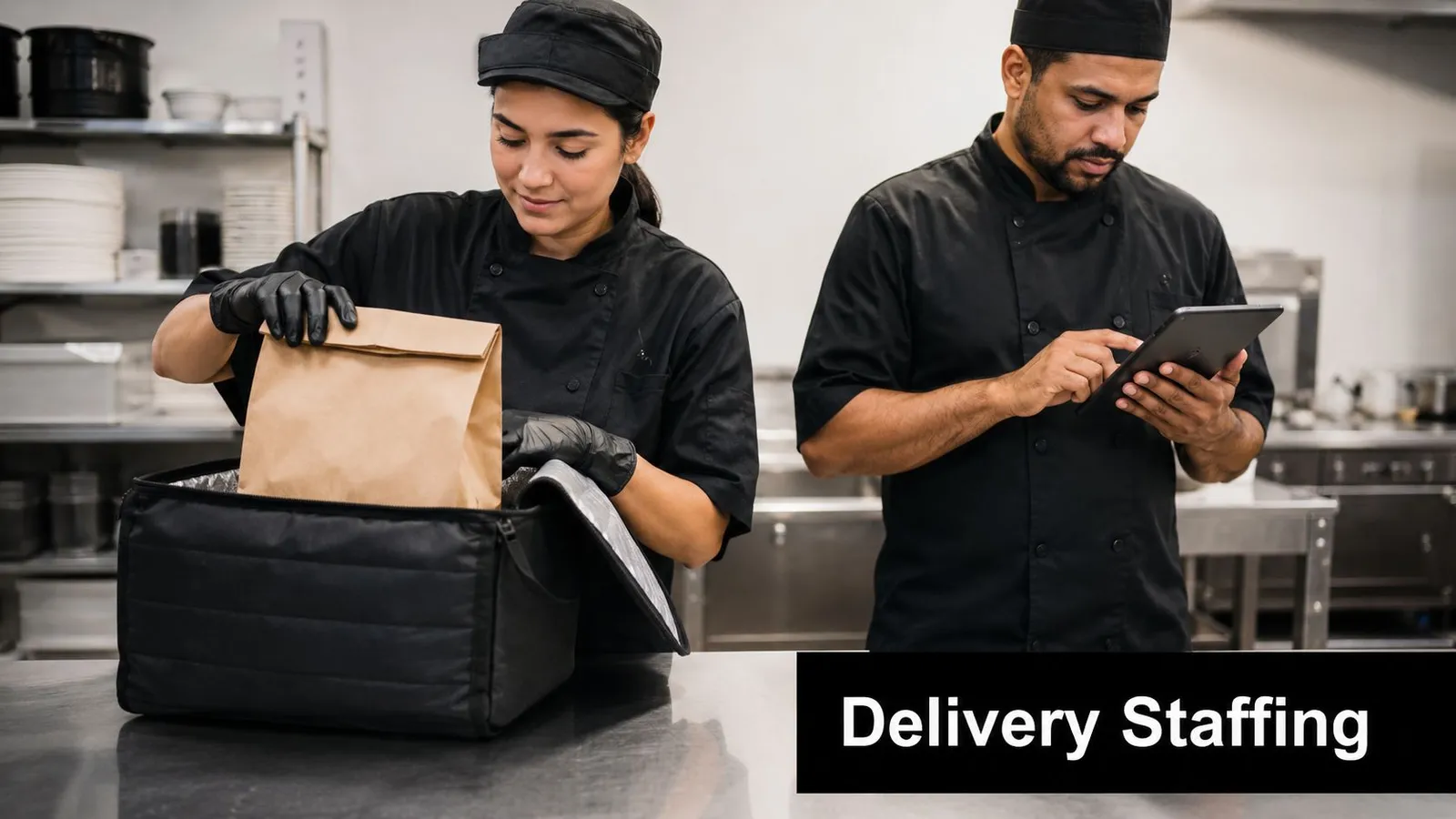
Delivery labor is not the same as dine-in labor
A dine-in server can absorb some side duties between tables. Delivery volume often arrives in bunches and creates a different kind of bottleneck. The kitchen gets hit differently, expo gets hit differently, and the guest-facing team may suddenly be managing courier questions on top of in-house service.
I'd tag delivery orders separately in the POS and review them as their own labor pattern. That gives you a shot at seeing whether a delivery-heavy daypart needs different staffing, different packaging setup, or tighter platform availability windows.
Clear policy matters here too. Decide in advance how any delivery-related tips or service allocations are handled. Don't invent the rule at close.
Protect the dining room when delivery surges
Third-party volume can subtly damage dine-in service if nobody owns the trade-off. I've seen operators chase off-premise sales while the host stand backs up, tables wait on drinks, and closers inherit a bigger mess because everyone spent the rush packing bags.
The right answer isn't always “accept every order.” Sometimes the profitable choice is throttling availability, tightening pickup windows, or assigning a dedicated support role during peak periods.
Use a few practical habits:
- Separate the workflow: Delivery staging should have a home, not spill into every station.
- Watch kitchen drag: If delivery is slowing ticket flow for in-house guests, the labor model needs adjustment.
- Review weekly: Treat delivery labor as a recurring operating pattern, not an occasional annoyance.
Restaurant Side Work: 8-Point Comparison
| Item | 🔄 Implementation Complexity | 💡 Resource Requirements | ⭐📊 Expected Outcomes / Key Advantages | ⚡ Speed/Efficiency | Ideal Use Cases |
|---|---|---|---|---|---|
| Tip Pool Calculations and Distribution | High, policy config, legal rules, POS mapping | POS integration, payroll export, initial staff training | ⭐⭐⭐⭐ Accurate, auditable tip splits; fewer disputes; payroll-ready reports | ⚡ Very fast once configured (seconds vs 30+ min nightly) | Full-service, delivery-heavy concepts, multi-unit standardization |
| Daily Labor Cost Forecasting and Budget Tracking | Medium, needs forecasting logic and wage inputs | Historical sales data, wage/benefit inputs, manager adoption | ⭐⭐⭐⭐ Prevents surprise overages; enables real-time staffing decisions; better P&L accuracy | ⚡ High, real-time alerts and pre-shift forecasts | QSR chains, fine dining managing labor % targets, multi-location budgeting |
| Schedule Building and Shift Coverage Management | Medium, templates, rules and availability setup | Staff availability collection, scheduling templates, policy rules | ⭐⭐⭐ Ensures budget-aware schedules; reduces scheduling time; improves fairness | ⚡ High, auto-builds in minutes vs 1–2 hours | Multi-unit auto-scheduling, independents using open shifts, high-turnover concepts |
| Timecard Review and Approval Workflow | Low–Medium, batch workflows and exception rules | Accurate clock data, manager review time, payroll format testing | ⭐⭐⭐ Reduces weekly admin from hours to minutes; catches punch errors; audit trail | ⚡ High, batch approvals and export-ready files speed payroll prep | Multi-unit consolidations, chains syncing POS clock data, independents simplifying payroll |
| Staff Communication and Shift Notifications | Low, app rollout and notification rules | Smartphones for staff, app adoption, messaging policy | ⭐⭐⭐ Organized, searchable comms; reduced no-shows; read receipts for accountability | ⚡ Immediate, push notifications deliver faster than group texts | Chains needing timely updates, restaurants sending shift-specific prep notes |
| Overtime Management and Compliance Tracking | High, state/city rules and forecasting logic | Local labor law knowledge, monitoring tools, accurate schedules | ⭐⭐⭐⭐ Prevents costly overtime; ensures legal compliance; informs hiring needs | ⚡ Medium, forecasts pre-publish and mid-shift flags | California/multi-state operators, high-volume locations with overtime risk |
| Weekly Labor Analytics and Performance Reporting | Low–Medium, KPI selection and dashboard setup | Integrated POS/timecard data, reporting cadence, recipient alignment | ⭐⭐⭐ Provides visibility and trends; supports data-driven coaching and action | ⚡ Medium, automated summaries; action depends on follow-up | Multi-unit operators, managers needing regular labor insights |
| Delivery and Third-Party Order Staffing Allocation | Medium–High, third-party data mapping and tip rules | POS tagging for delivery, platform data, tip-out policies | ⭐⭐⭐ Ensures delivery profitability visibility; fair tip allocation; informed staffing | ⚡ Moderate, ongoing tracking; informs near-term staffing | QSRs with heavy delivery, restaurants evaluating third-party channel profitability |
What Should Managers Do Instead of Side Work?
Your highest-value work doesn't happen while you're buried in a spreadsheet at the end of the night. It happens on the floor, in pre-shift, at expo, in conversations with guests, and during those small coaching moments that change how a team performs. The problem is that too many managers spend their best energy on hidden side work instead of shift leadership.
That's the core issue with manager-side work in a restaurant. None of these tasks are optional. Tip pools need to be accurate. Labor needs to be forecasted. Schedules need to get built. Timecards need to be reviewed. Overtime needs to be watched. Delivery labor needs to be separated from dine-in assumptions. The mistake is handling all of it with disconnected tools, memory, and end-of-night manual cleanup.
The operational side of restaurant side work has already become more structured. Industry guidance treats side work as assigned by shift and station, with broad task coverage that can include cleaning, restocking, prep, register reconciliation, and locking up, all organized as a measurable workflow rather than informal housekeeping, as described earlier in the server duties guidance. The same shift toward structure applies even more strongly to the manager's version of side work. If you don't operationalize it, it expands until it owns your week.
I've found that the best operators don't try to “work harder” on admin. They reduce decision clutter. They standardize policies before they digitize them. They build one source of truth for scheduling and communication. They review labor before the shift and during the shift, not only after payroll damage is done. They create rules for edge cases so managers don't have to reinvent judgment every night.
That's how you reclaim time without losing control. Not by ignoring the back office, and not by treating side work as something the team handles while management does “real work.” This is real work. It just shouldn't be manual, scattered, and dependent on who happened to close.
When you clean up these eight management tasks, you get more than saved admin time. You get more predictable labor, fewer payroll surprises, fewer staff disputes, and a clearer picture of what each shift is producing. You also get yourself back. You can spend more time coaching a weak closer, checking table touches, supporting a slammed line, or deciding whether a sales bump is worth the labor you're carrying.
That's the point. Stop doing side work like a bookkeeper with a panic deadline. Start running your shift like an operator with real visibility.
AnchOps helps you get the manager side of restaurant side work under control before it turns into nightly cleanup. If you want one system for labor forecasting, schedule building, tip pool calculations, timecard approvals, overtime tracking, shift communication, and weekly reporting, take a look at AnchOps. It's built for restaurant operators who want fewer spreadsheets, cleaner payroll inputs, and more time on the floor running profitable shifts.
Your back-of-house partner is ready
AnchOps handles scheduling, tip calculations, labor costs, and timecards — so you can focus on your restaurant, not your paperwork.